Book covers that sell the story.
Describe your book and Snappa generates a digital cover for Kindle and ebook stores.
- Free plan
- Upgrade anytime
- No design skills needed
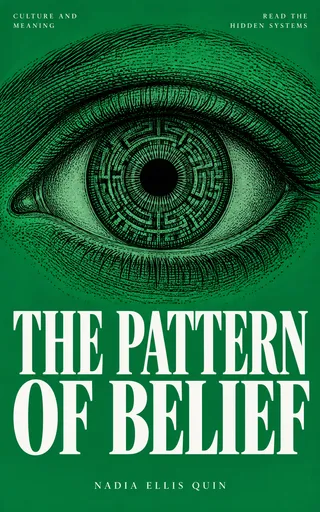
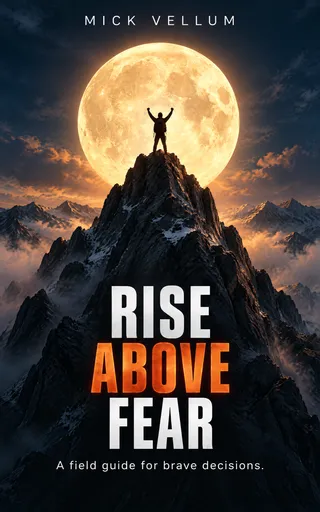
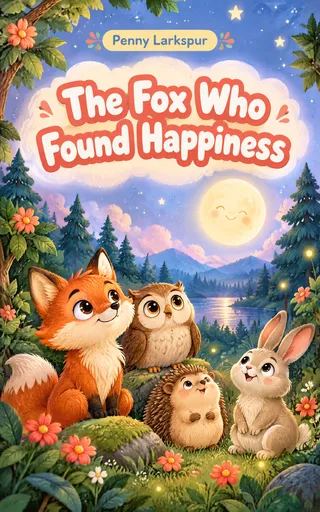
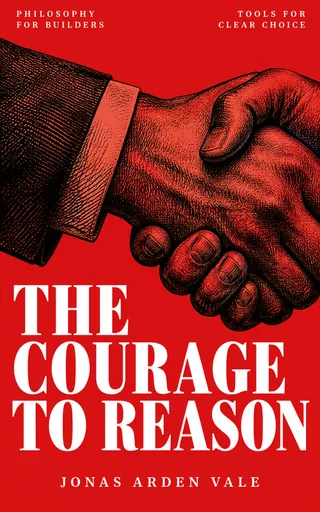
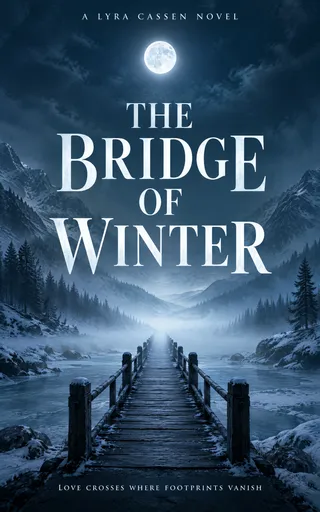

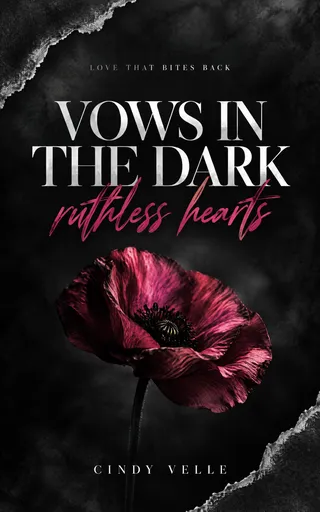
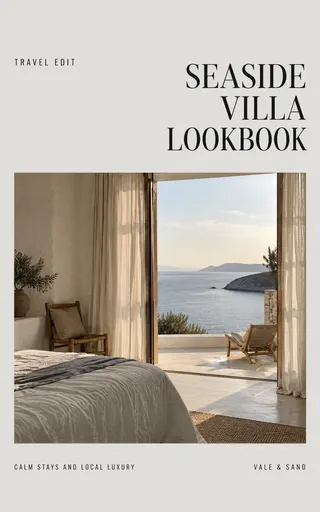
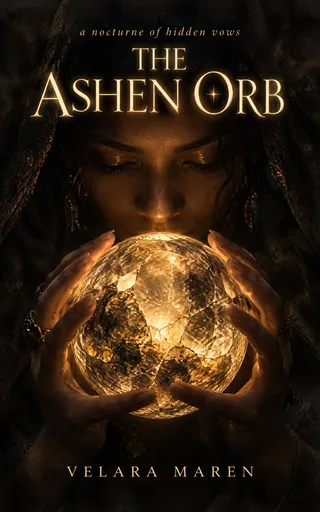
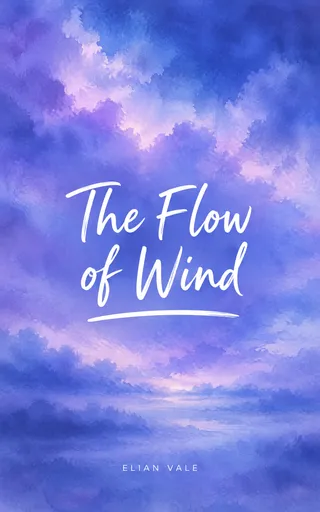
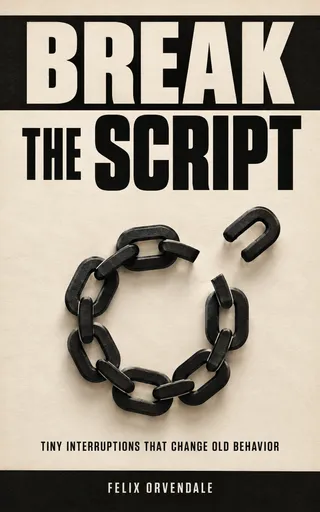
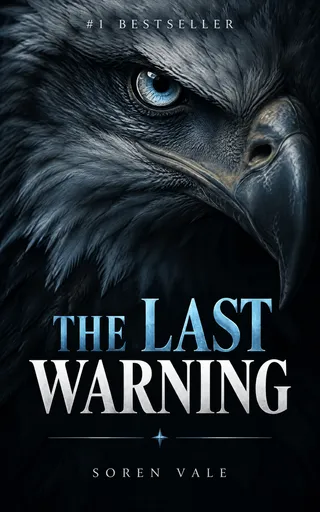
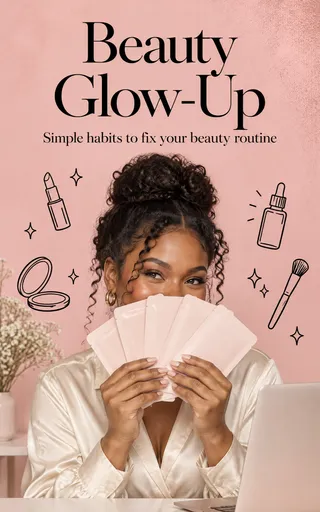
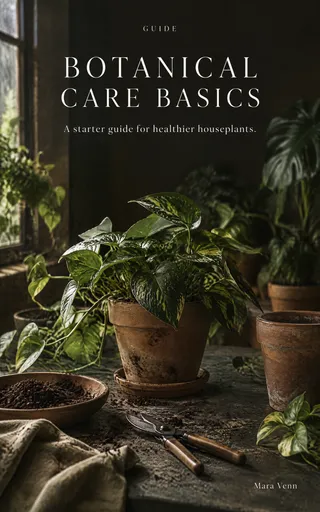
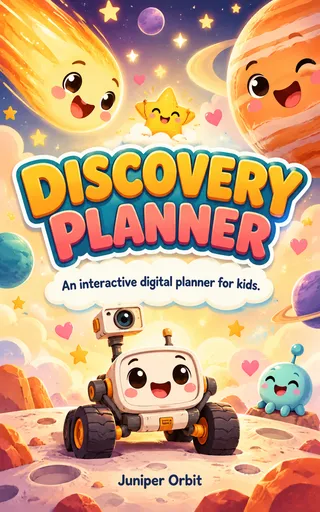
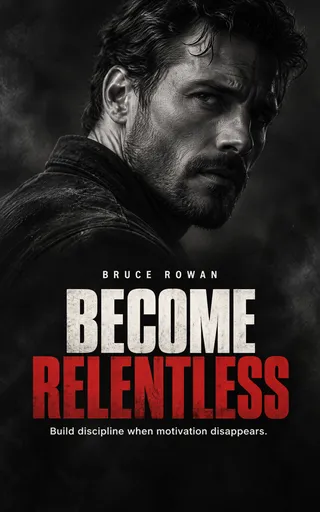
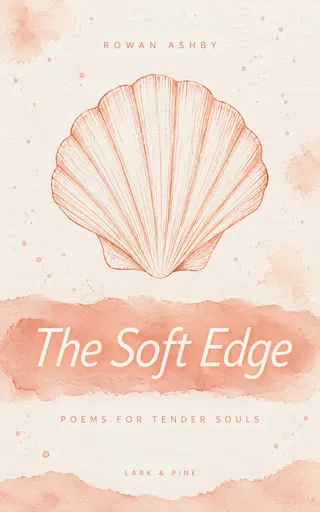
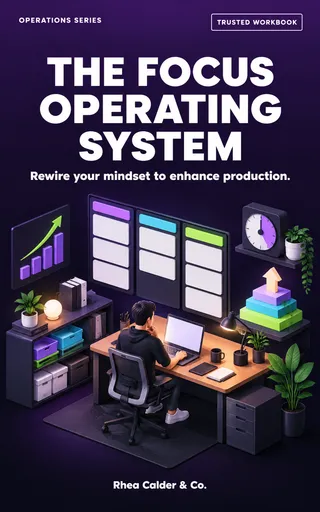
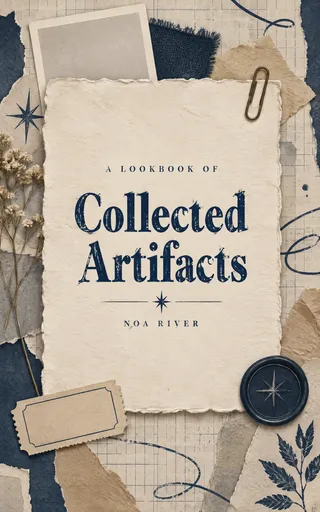
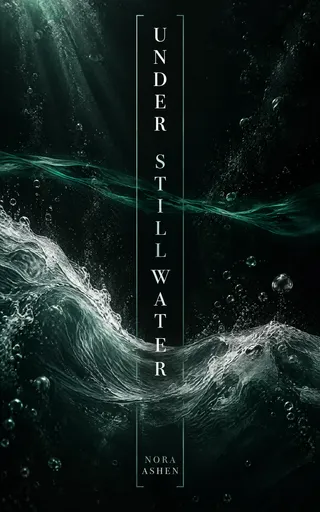
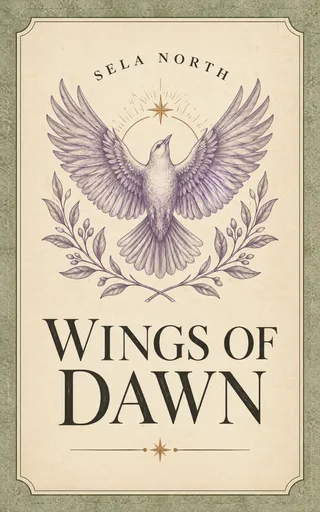

55,000+ customers served
30,000,000+ graphics made
4.6 on G2
How it works
From synopsis to cover in three steps
Describe it
Genre, mood, title, author name. The eBook Cover preset sets the Kindle size for you.
Snappa generates it
A genre-true cover with your title and author name on it.
Refine it your way
Type what to change, or brush a spot that’s hard to describe. Moodier sky, bigger title, different palette.



Genre-true
Readers know the genre at a glance.
Readers pick genre first and title second, and they decide from art alone. Name your genre and describe the book, and Snappa designs in that genre’s visual language: moody for the thriller, warm for the romance, ornate for the fantasy.
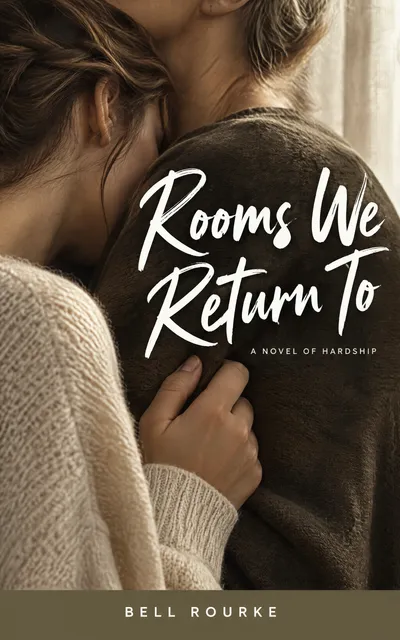
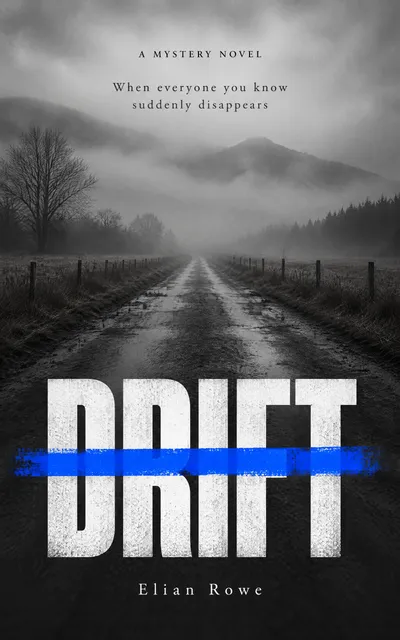
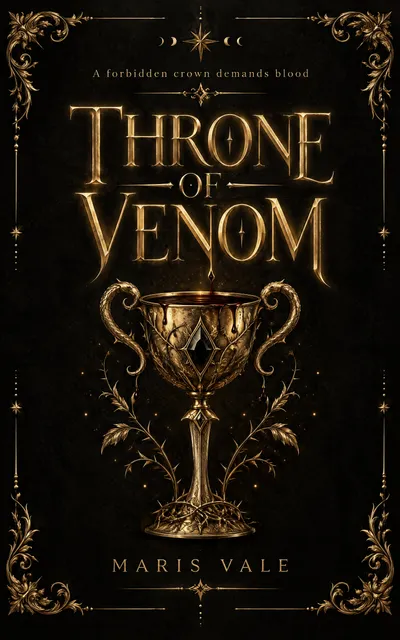
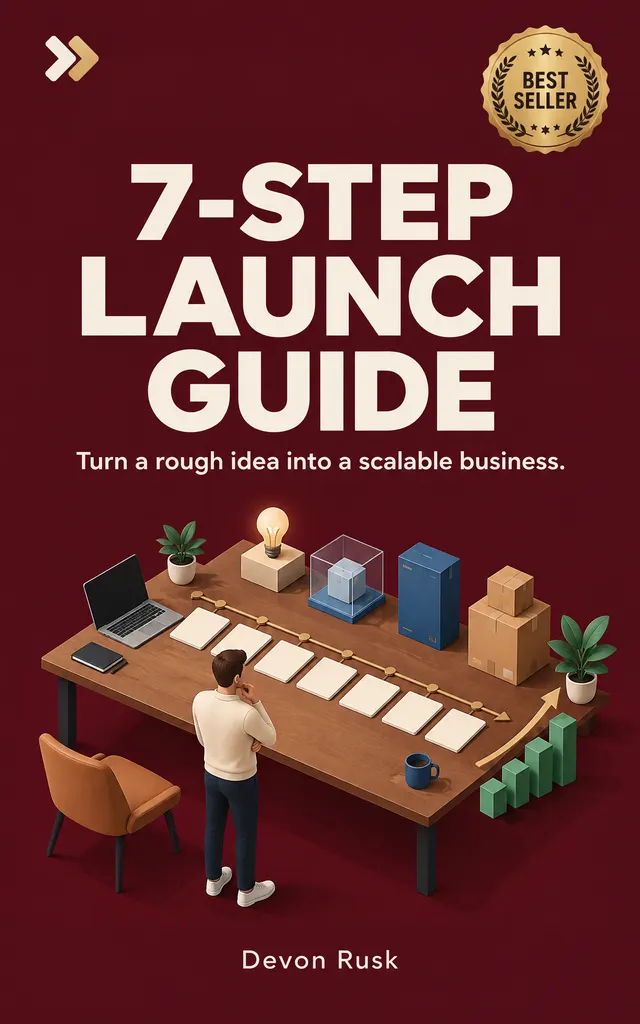
Title, subtitle, author, in the order a cover needs.
Readable type
Type that sells the title.
A cover is a title in costume. Snappa puts your title, subtitle, and author name on the cover with the hierarchy a cover needs. If a word comes out wrong, fix it with a quick edit.
Built to spec
Ready for Kindle and ebook stores.
Snappa makes digital covers, not print wraps. The eBook Cover preset is the size Kindle asks for, so your cover is ready to upload. Most buyers first see it as a small thumbnail, so ask for a big, bold title.
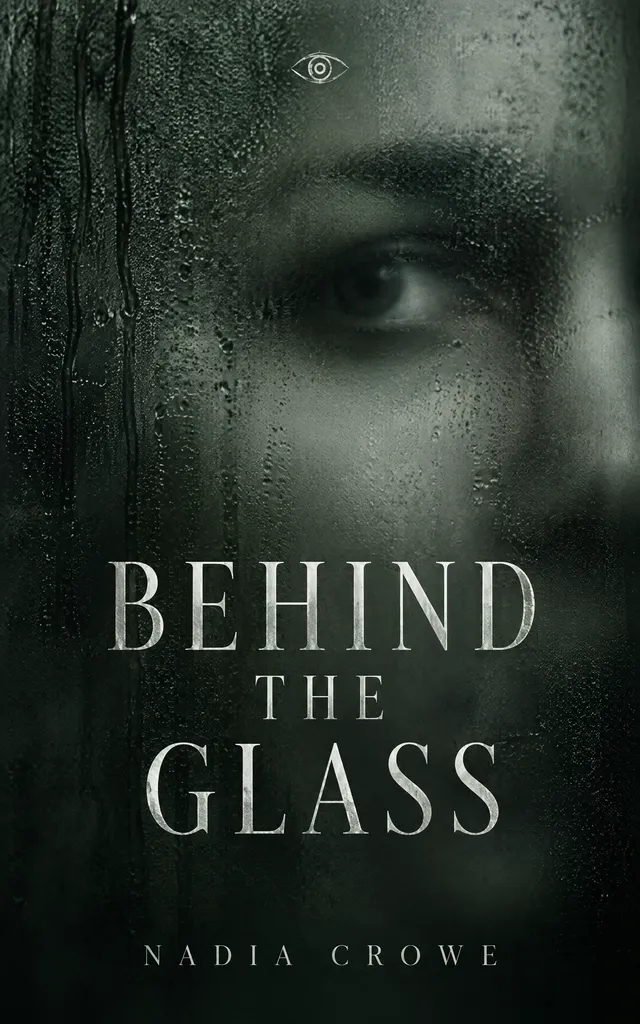
- Kindle size. The shape Amazon asks for.
- PNG or JPG. Download a JPG for KDP.
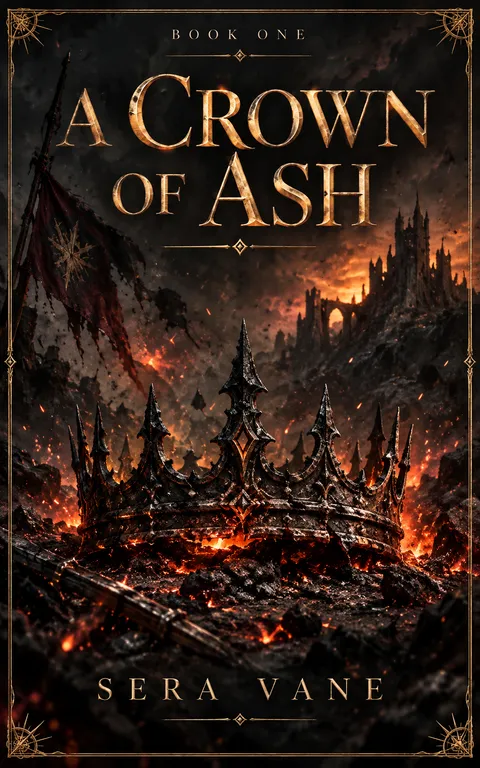
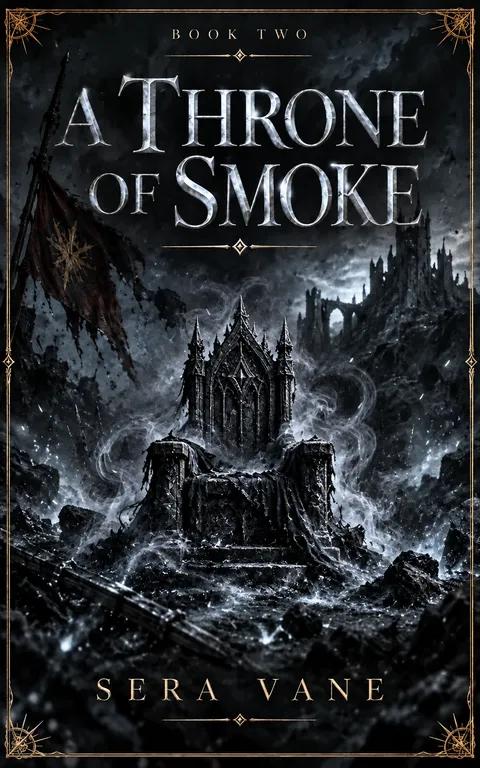
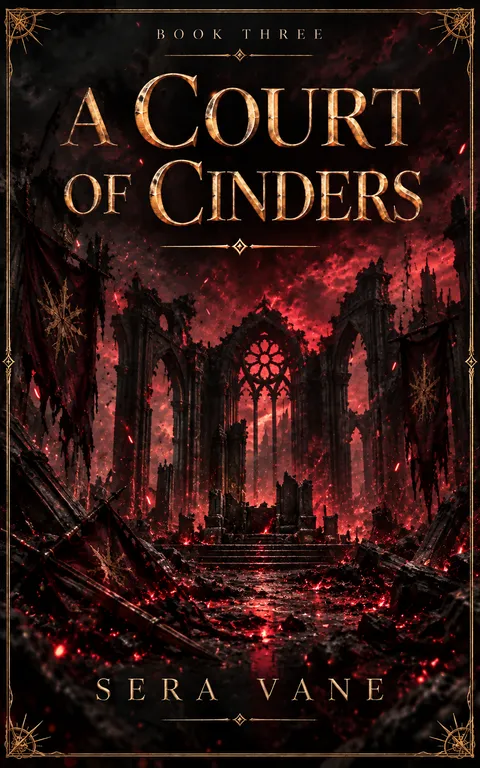
A series readers can spot across a crowded store page.
Series
Covers that look like a series.
Book two should sell book one. Make a copy of book one’s cover and change the title and art, so each installment keeps the same type style and palette with new art.
Made with Snappa
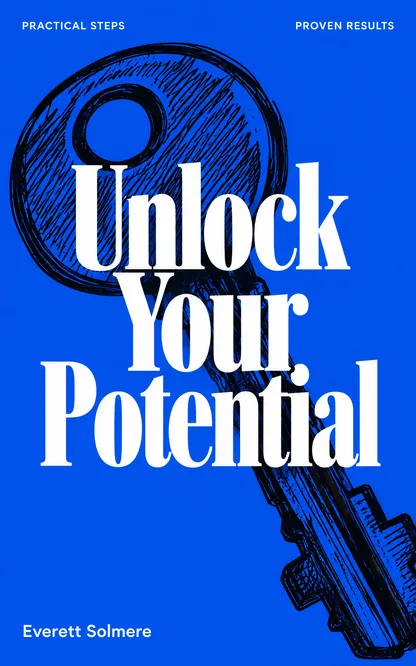
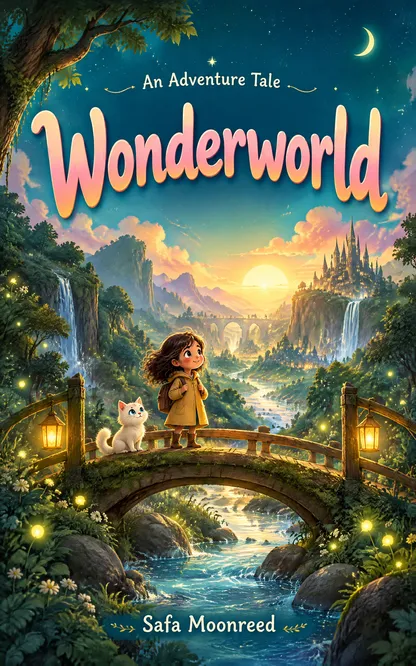
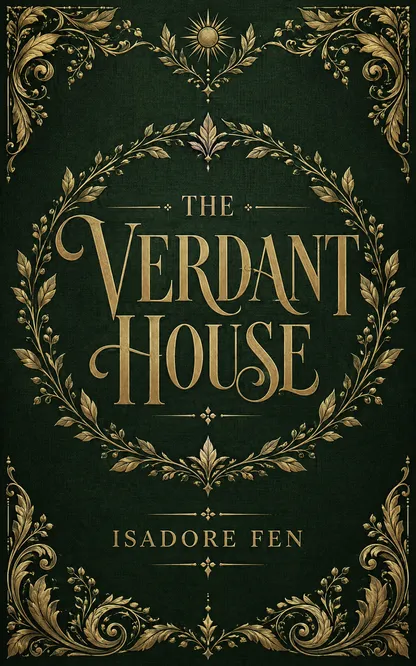
One prompt each
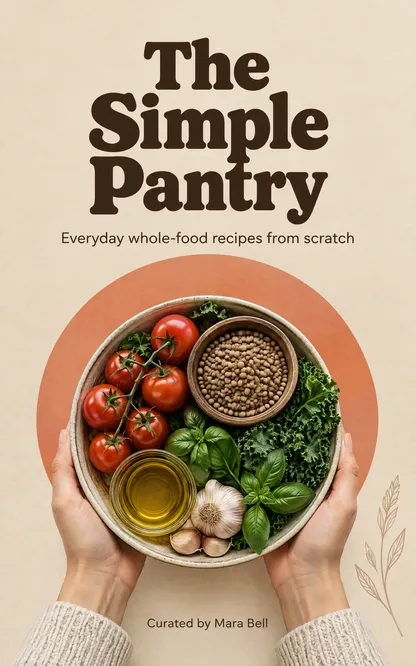
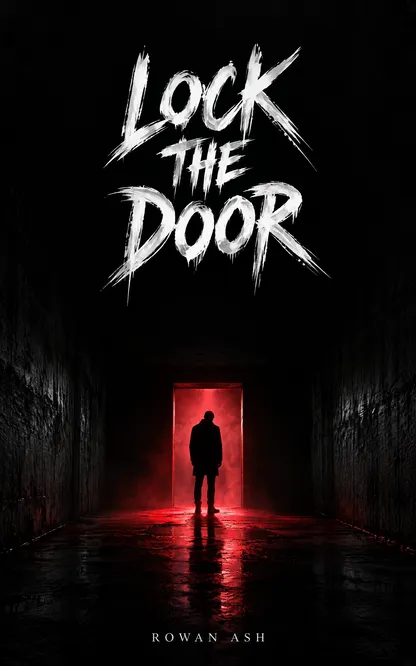

“Snappa is the best tool I've used to create book covers. In a few minutes I can do what used to take me hours to do or pay designers to do.”

Sujan Patel
Co-founder of Webprofits
“Snappa makes it a breeze to create and update graphics for my clients. It's focused, it's fast, and it's sped up my workflow tremendously.”

Peter Bonk
Co-founder of Siesta Media
The craft
What makes a cover sell
Stand out at any size
Most buyers will see your eBook cover as a tiny thumbnail. A strong cover captures attention at a glance.
Look the part
A cover that doesn’t reflect its genre can confuse readers. Keep it recognizable while adding your own creative touch.
Let the type lead
Art sets the mood, but the title closes the sale. Give it the space and contrast it needs.
Frequently Asked Questions
What size is a Kindle book cover?
Does Snappa make print covers?
Can Snappa keep a series consistent?
How is Snappa different from hiring a cover designer?
Is Snappa free?
Your next cover is one prompt away.
The AI graphic editor that turns a sentence into a scroll-stopping graphic.