Instagram posts that stop the scroll.
Describe the post and Snappa generates feed-ready graphics,
square or portrait, in seconds.
- Free plan
- Upgrade anytime
- No design skills needed
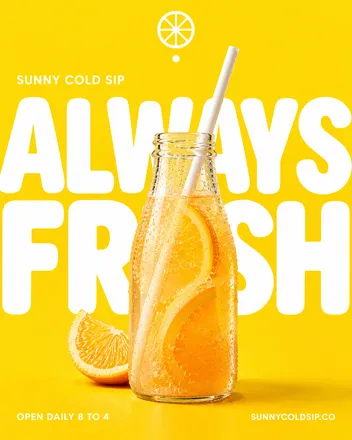
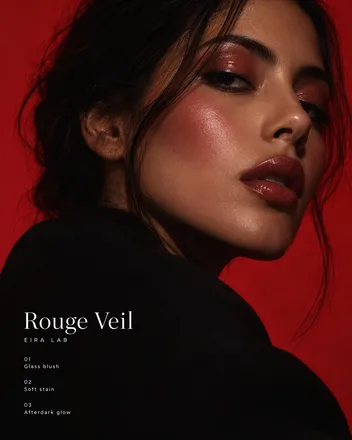
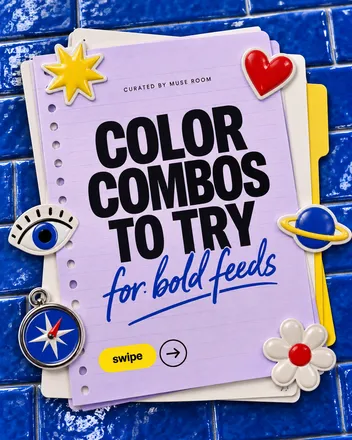
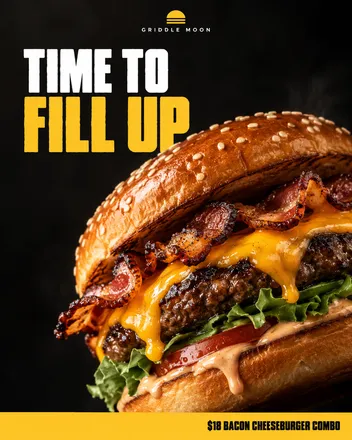


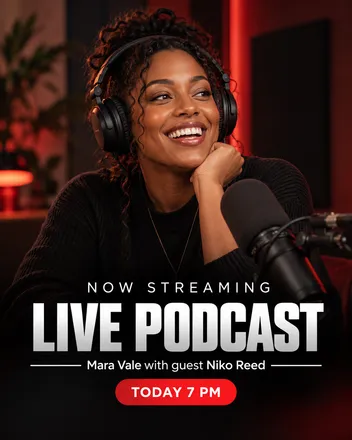

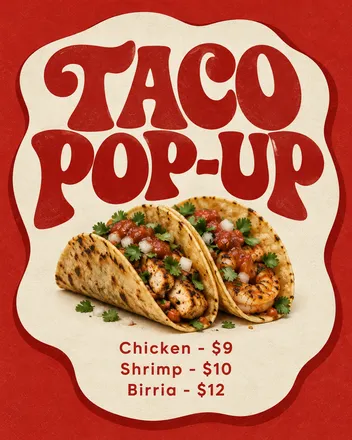
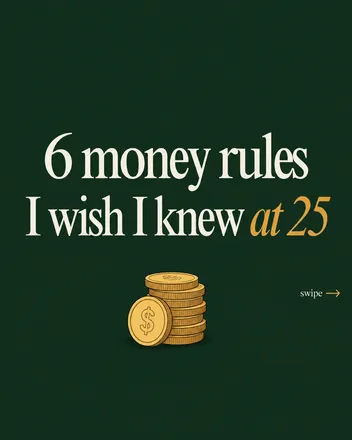
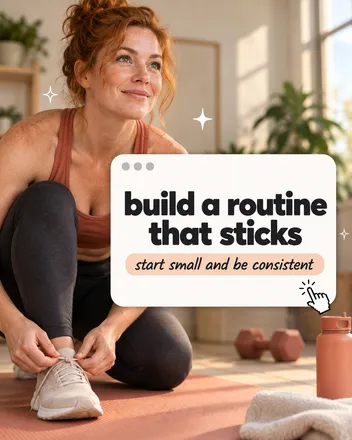
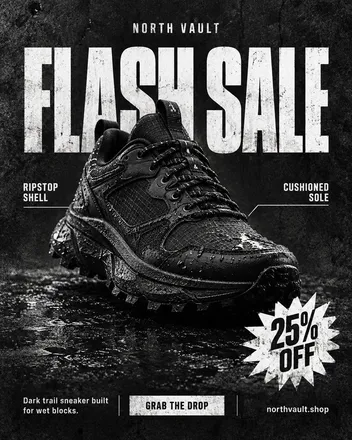
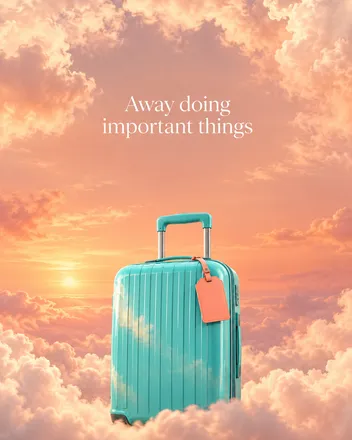
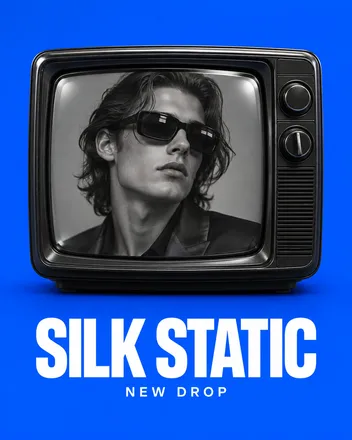

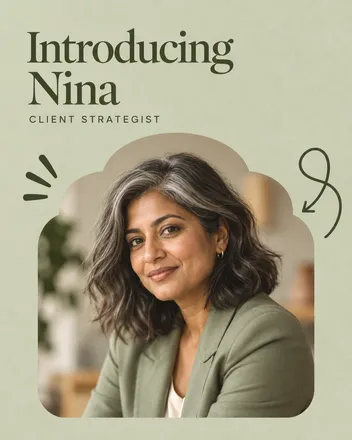
55,000+ customers served
30,000,000+ graphics made
4.6 on G2
How it works
From idea to feed post in three steps
Describe it
Type the message and the mood. Pick the 4:5 or square post preset.
Snappa generates it
A feed-ready graphic with clean, readable type, at the right size for the feed.
Refine it your way
Type what to change, or brush a spot that’s hard to describe. New headline, new palette, new backdrop.
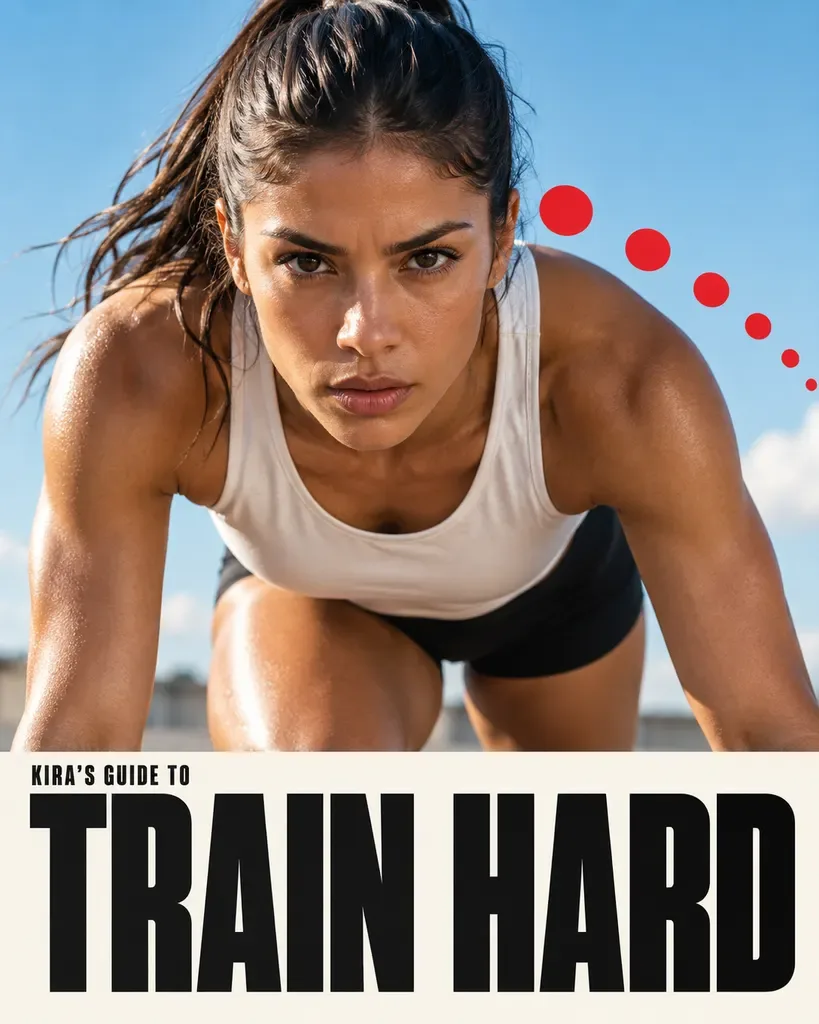
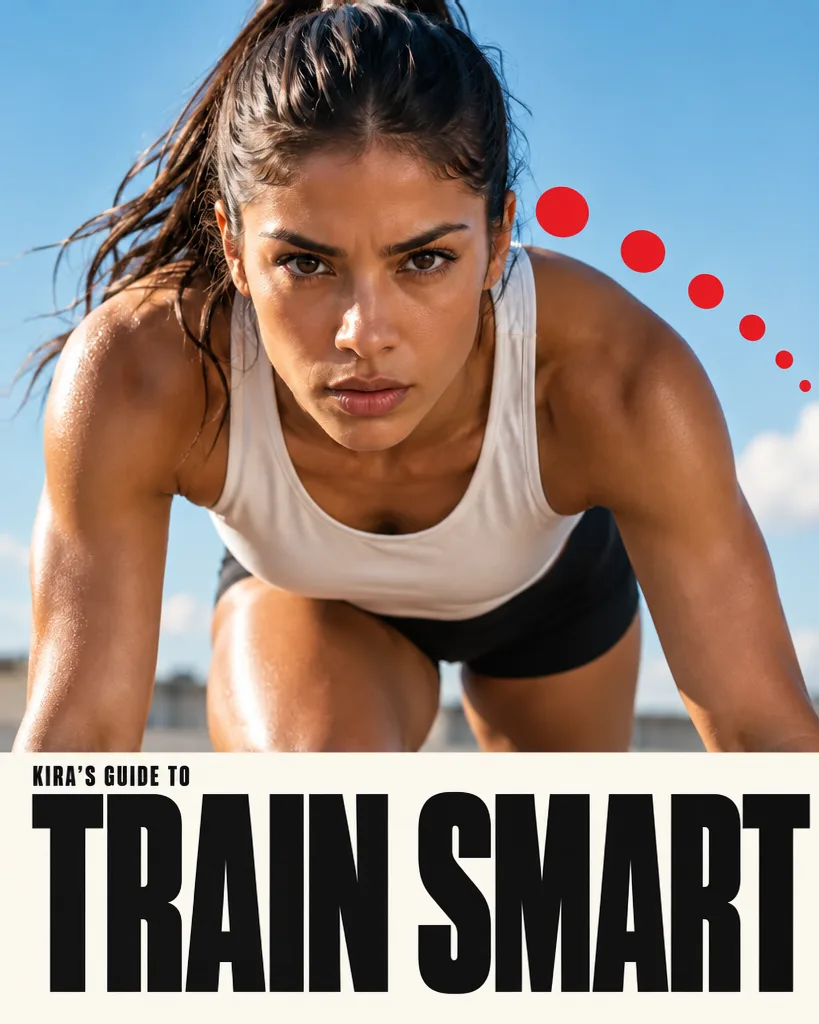
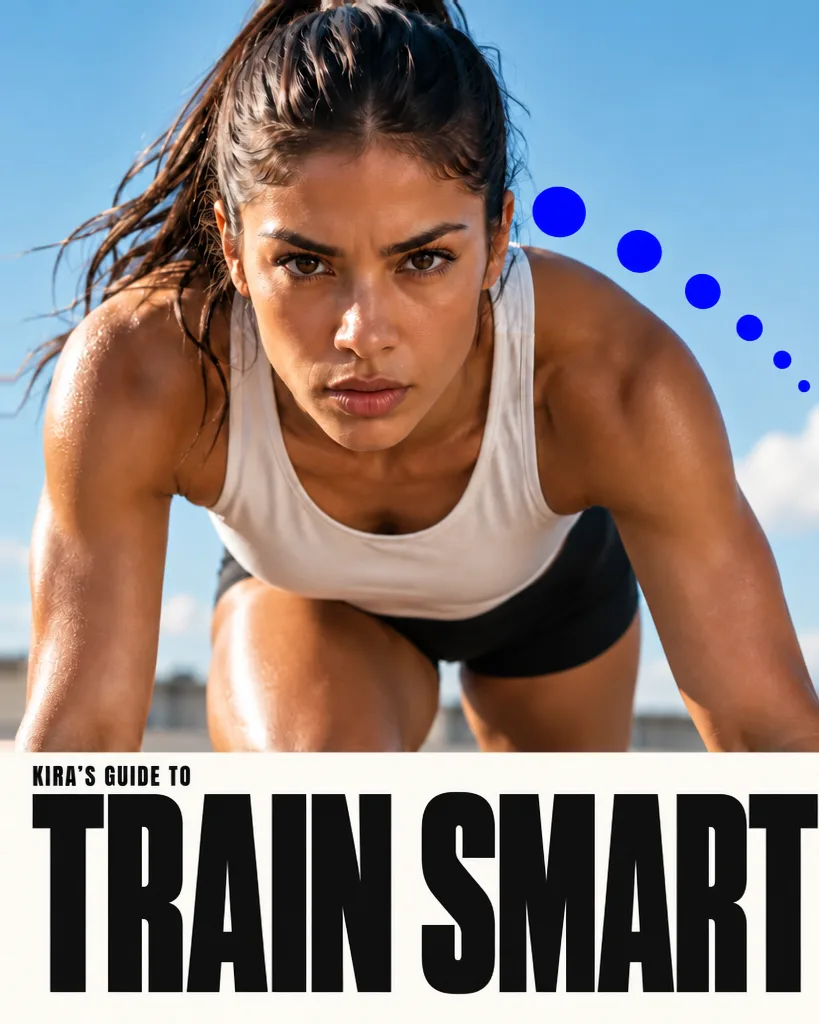
Scroll-stopping
Built to interrupt thumbs.
The feed is an endless strip of near-identical posts, and yours gets a fraction of a second. Describe the one thing you want noticed, and Snappa builds the post around it.
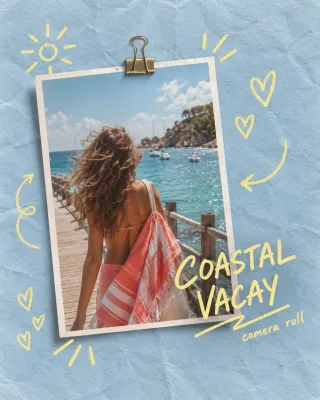
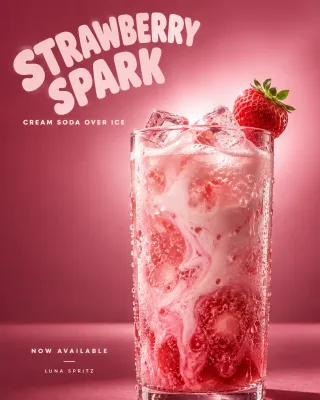
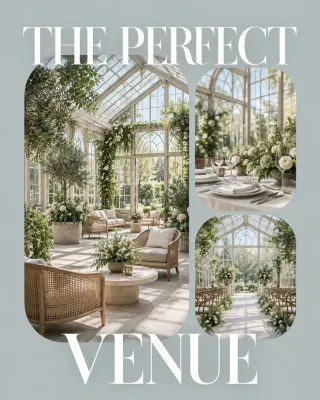
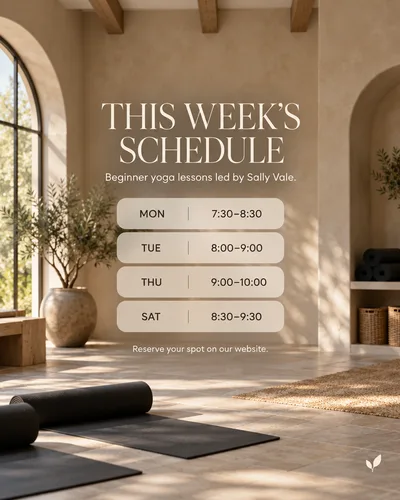
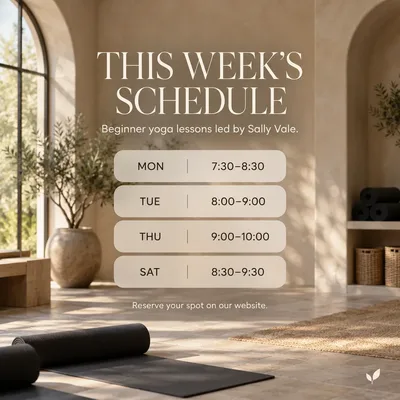
- 4:5 or square. Pick the shape, and the size comes out right.
- Grid-ready templates. Text and faces kept clear of the profile crop.
- PNG or JPG. Download whichever you post with.
Built to spec
The right rectangle, every time.
Instagram rewards 4:5 portraits with more screen. Snappa’s post presets come out at the right size, ready to upload. Your profile grid trims the sides of every post, and Snappa’s templates keep text and faces clear of the crop.
Brand matching
A grid that looks curated.
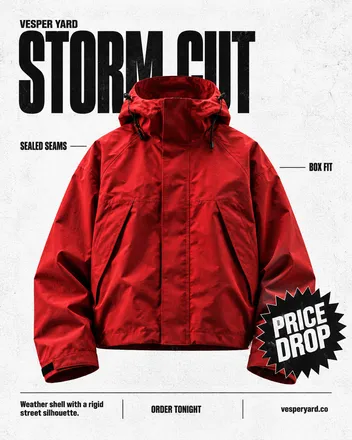
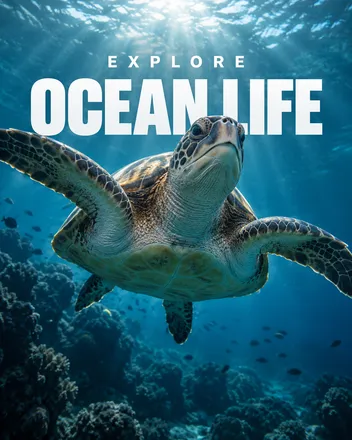
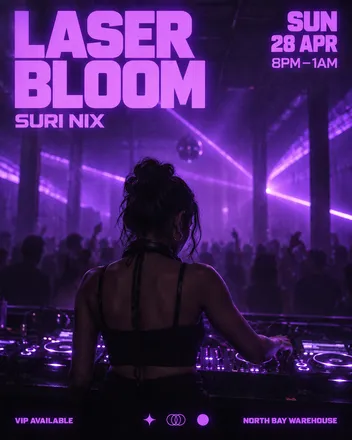
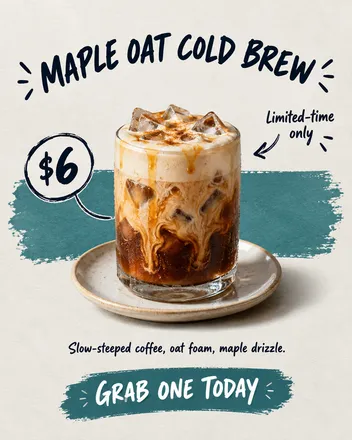
Visitors judge the profile in one glance at the grid. Start each post from a copy of your last one and describe your colors in the prompt, and a week of different ideas still reads as one brand.
The grid is the portfolio
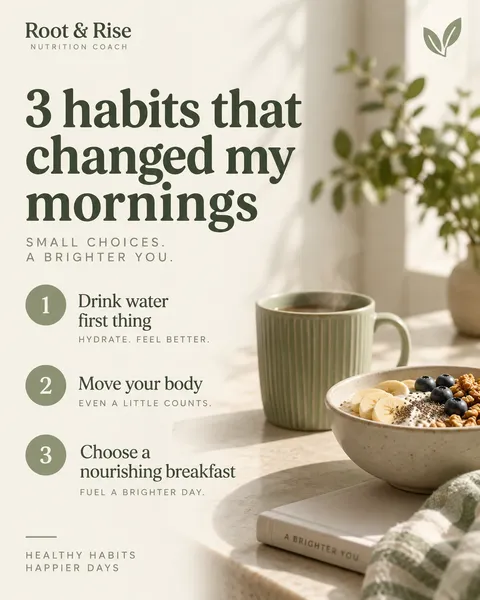
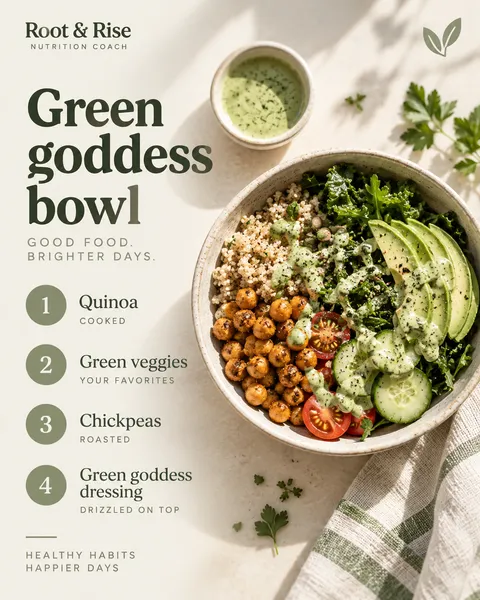
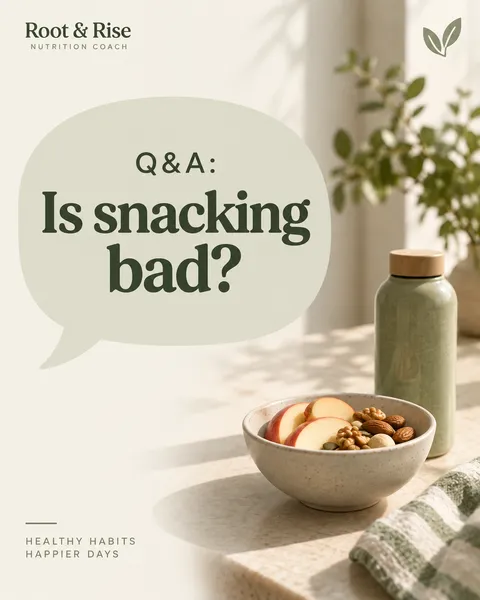
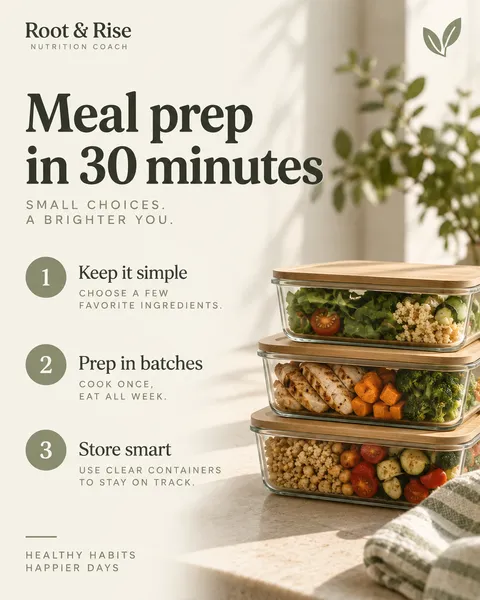
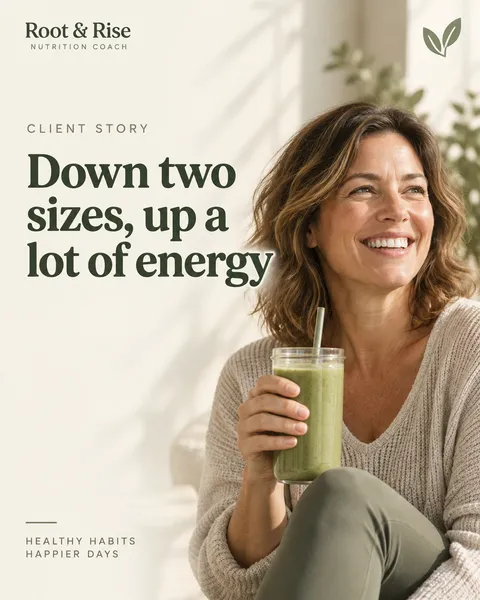
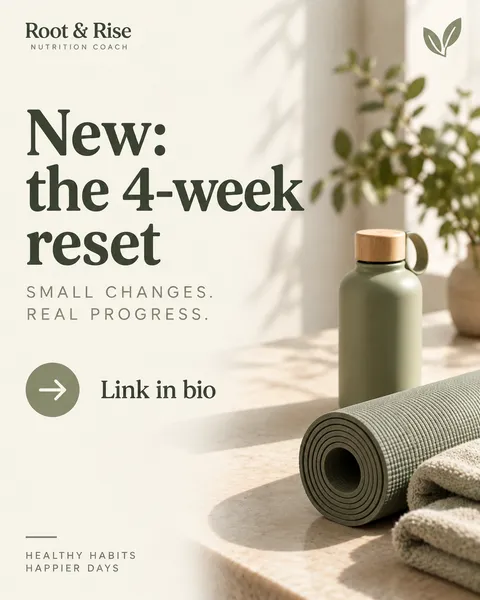
Six posts later, the profile still reads as one brand.
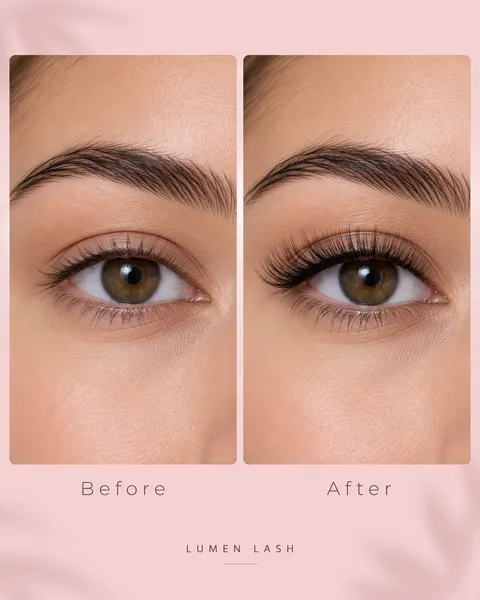
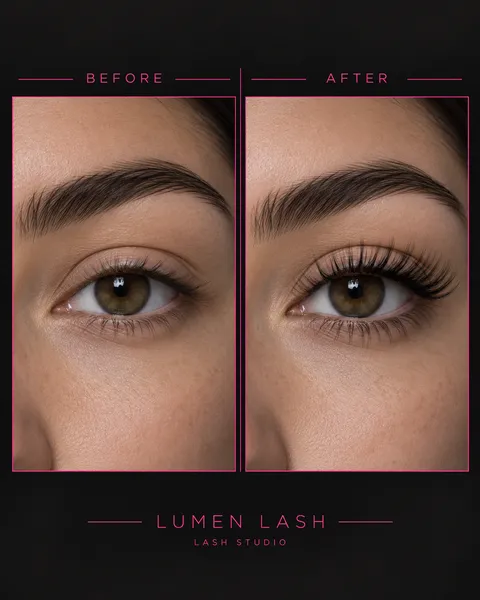
Change one line of the prompt, get a new take.
Another take
Want a different take? Change a line.
Not sold on the first version? Change one line of the prompt for a bolder palette, a different headline, or a new composition, and Snappa makes a fresh take. Each take is its own image.
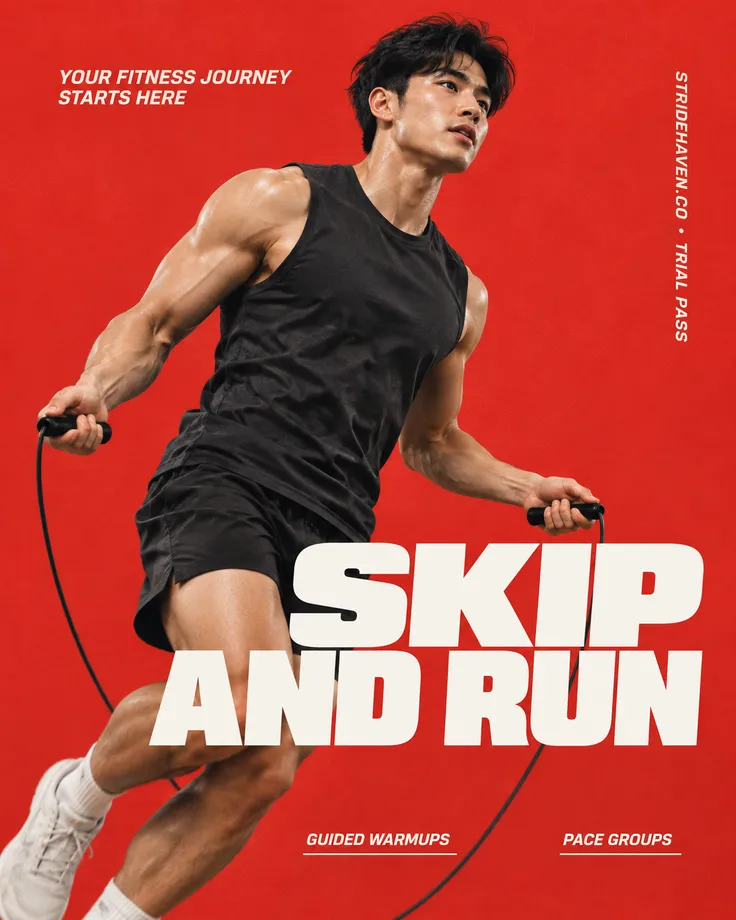
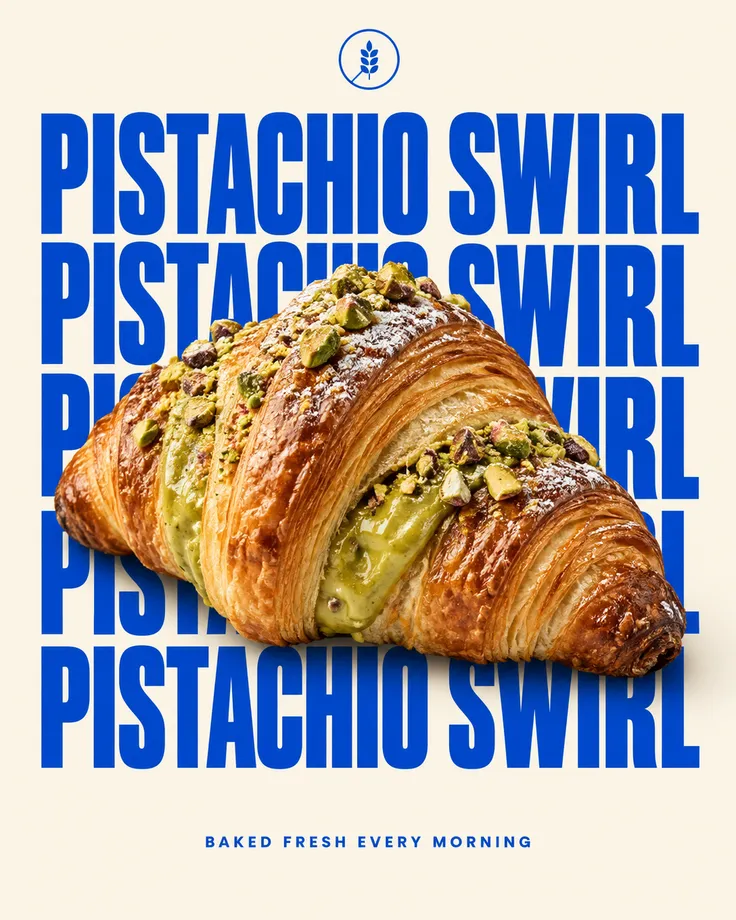
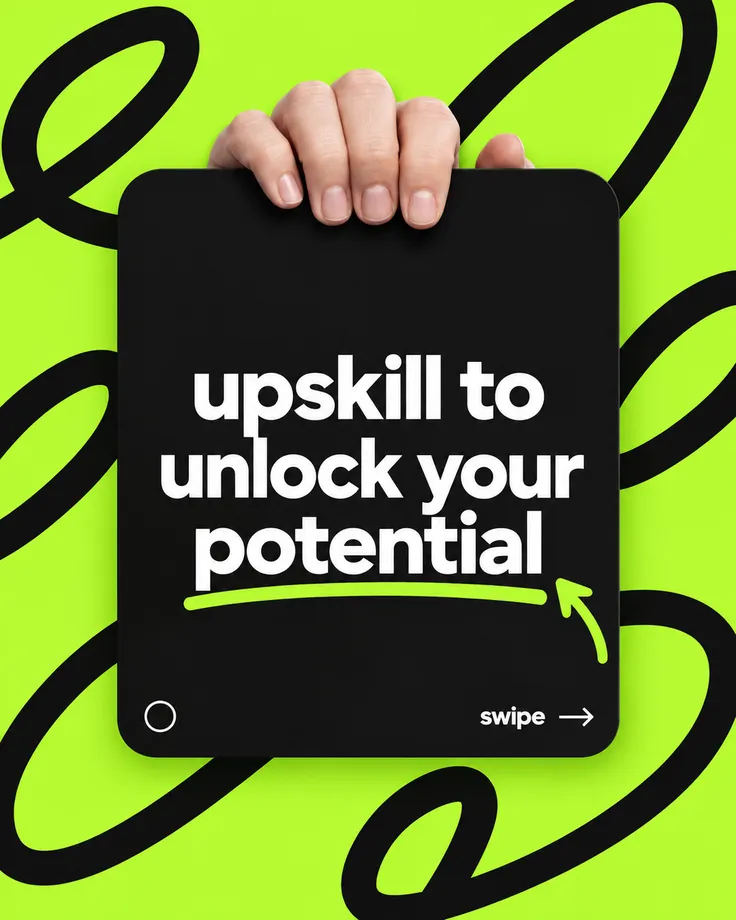
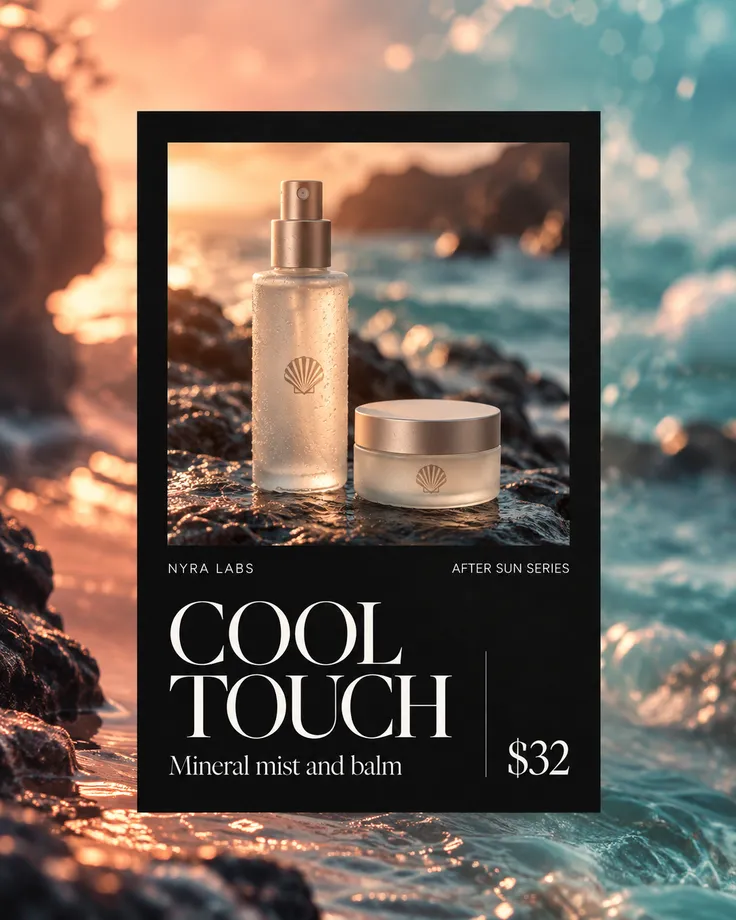
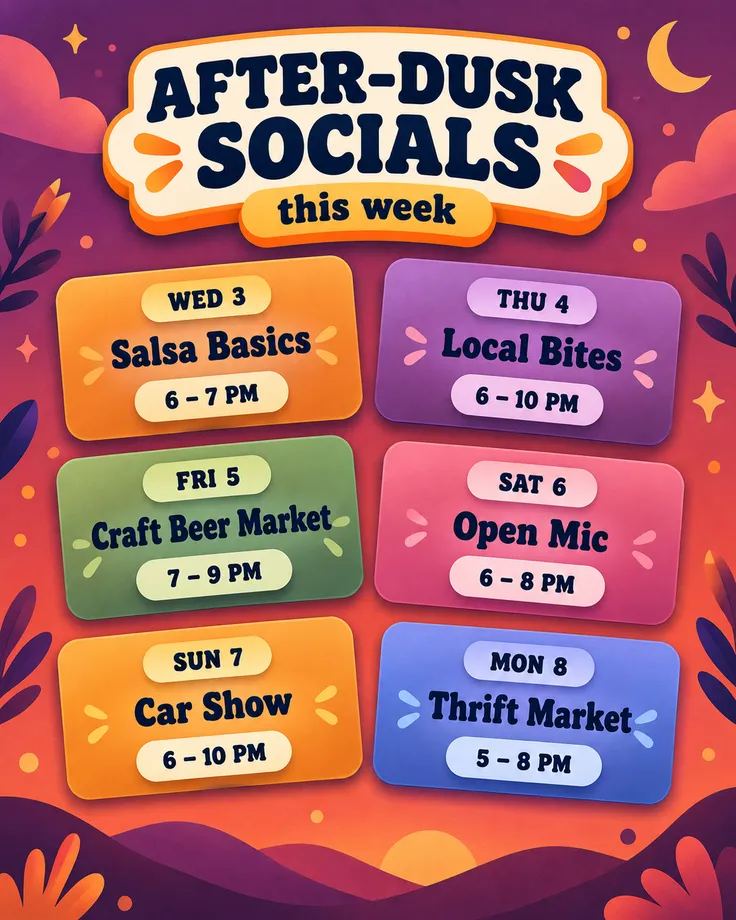
Made with Snappa
One prompt each

“Snappa is the best tool I've used to create Instagram posts. In a few minutes I can do what used to take me hours to do or pay designers to do.”

Sujan Patel
Co-founder of Webprofits
“My restaurant clients post the same kinds of updates every week. With Snappa, I just write what's changed, whether it's a drink special, a new dish, or an event, and get a fresh graphic in seconds.”

Peter Bonk
Co-founder of Siesta Media
The craft
What makes a post work
Go vertical
Portrait posts own more of the phone screen. Never give pixels back to the feed.
Front-load the hook
The first three words on the image decide the pause. Put the payoff there, not the setup.
Post for the profile too
Every post is also a tile in your grid. Consistency there turns visitors into followers.
Frequently Asked Questions
What size are Instagram posts?
Can Snappa make quote posts?
Can it keep my grid consistent?
How is Snappa different from AI image generators like ChatGPT or Midjourney?
Is Snappa free?
Your next post is one prompt away.
The AI graphic editor that turns a sentence into a scroll-stopping graphic.