Profile pictures that
look like you, only sharper.
Upload a few images of yourself and Snappa generates polished profile pictures in any style, for every platform.
- Free plan
- Upgrade anytime
- No design skills needed
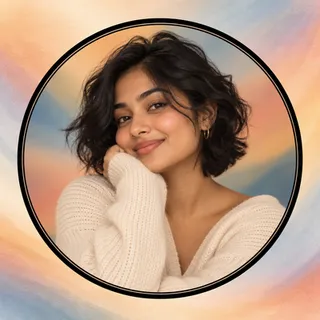
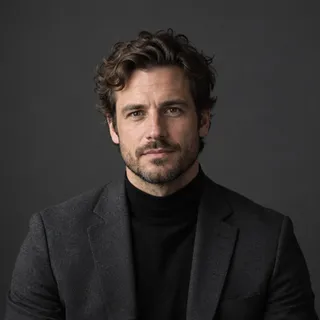
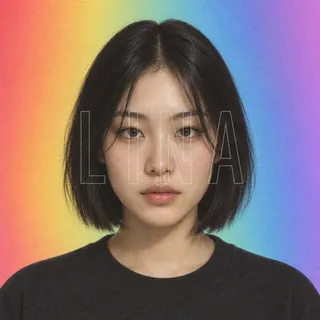

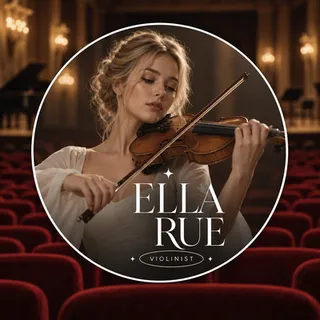


55,000+ customers served
30,000,000+ graphics made
4.6 on G2
How it works
From a few uploads to a profile picture in three steps
Describe it
Pick your reference images and describe the style and backdrop. The profile picture preset sets the size for you.
Snappa generates it
A polished profile picture with your real face from your reference images, sized for every profile picture.
Refine it your way
Type what to change, or brush a spot that’s hard to describe. New backdrop, new outfit, new style.
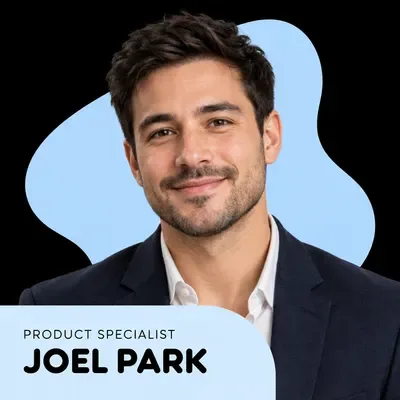
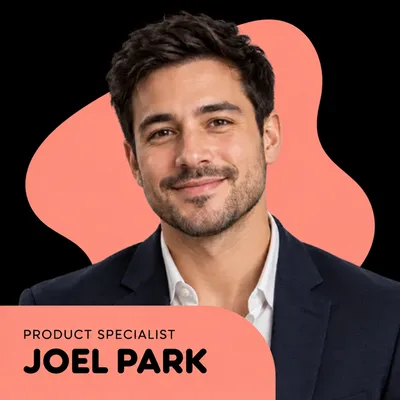
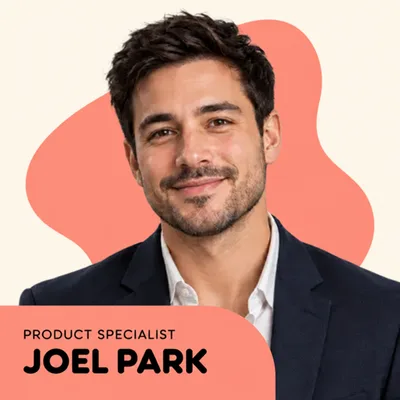
Reference images
Every style. Still you.
Snappa uses your own reference images. Upload a few images of yourself, pick the ones that fit, and Snappa renders your real face in any style you ask for. People recognize you at a glance, in every version.
4 reference images
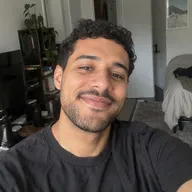



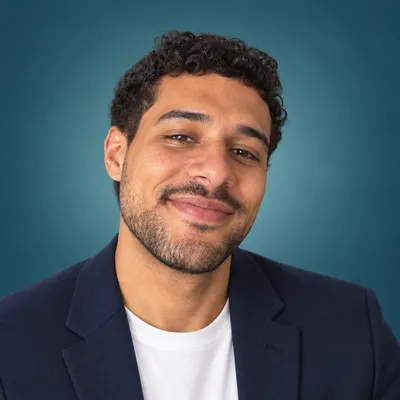
Four casual reference images in. A polished profile picture out.
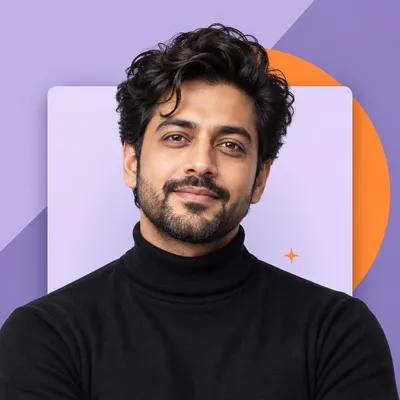
- One square. Sized for every profile picture.
- Every platform. LinkedIn, X, Discord, Slack, and more.
- PNG or JPG. Download whichever the platform likes.
Built to spec
One upload, right everywhere.
Every platform asks for a square, then shows it at its own size. Snappa’s profile picture preset is sized for all of them, so one upload works on LinkedIn, X, Discord, and Slack. Most of them crop to a circle, so ask for a centered, shoulders-up shot.
Any style
From boardroom to anime.
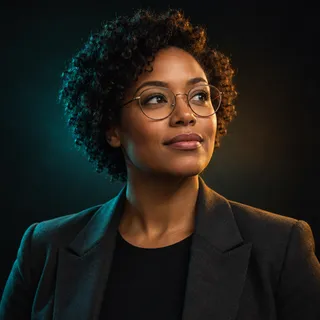
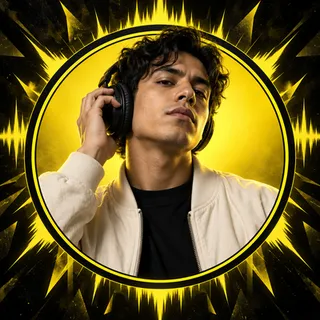
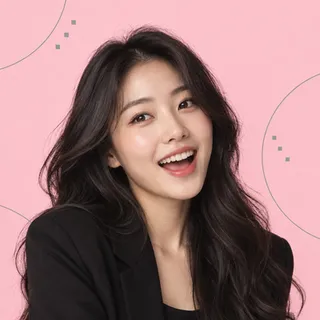
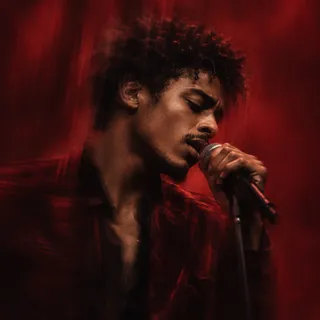
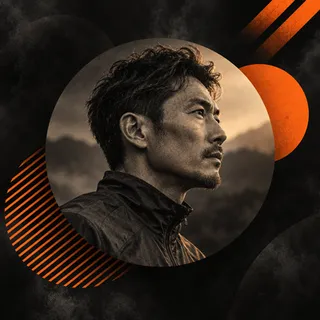
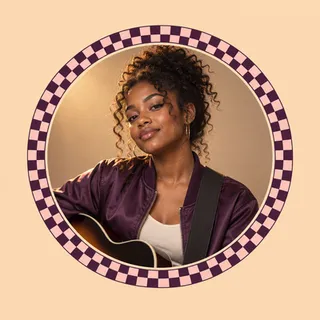
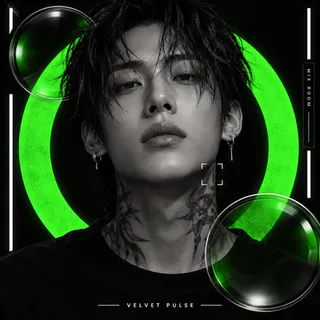
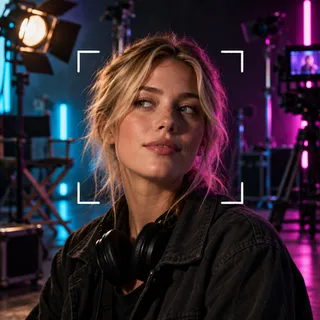
One selfie session shouldn’t lock you into one look. Ask for a studio headshot for LinkedIn, an illustrated avatar for Discord, or a relaxed author picture for your blog. Same face, dressed for the room it walks into.

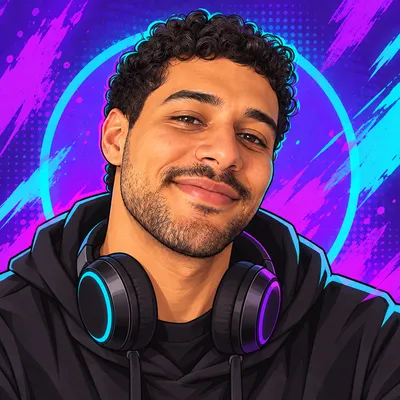
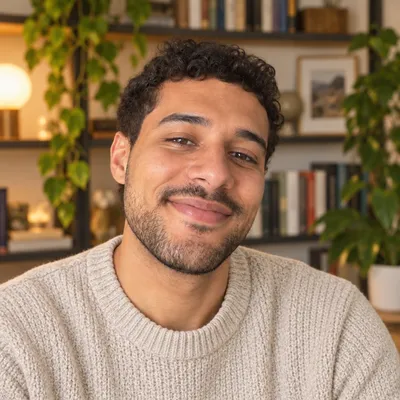
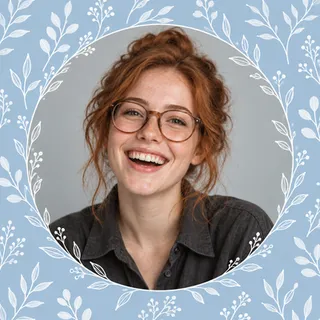
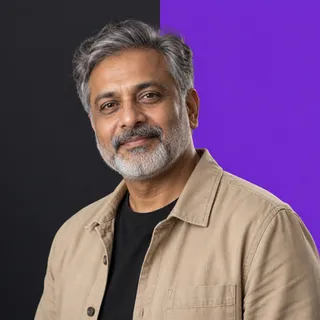
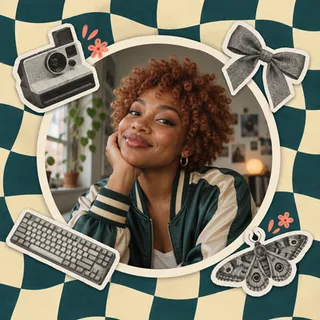
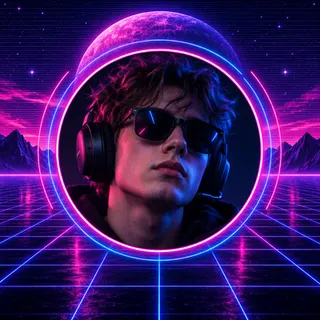
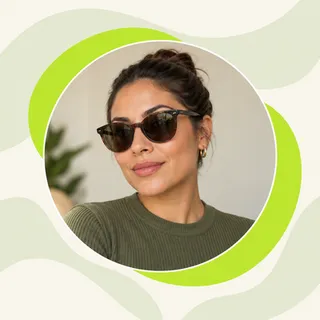
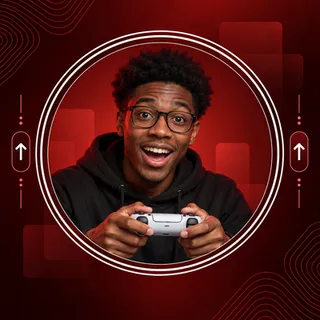
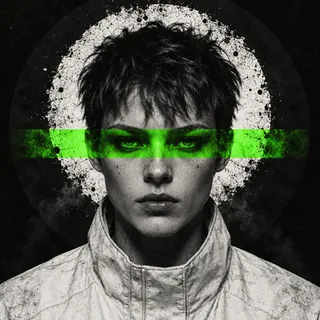
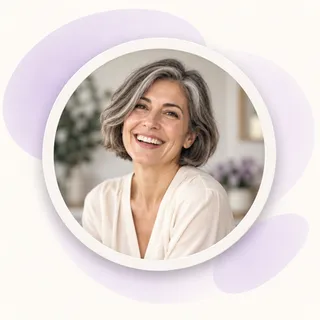
One face, restyled for wherever it shows up.
Backdrops
Any backdrop, no studio.
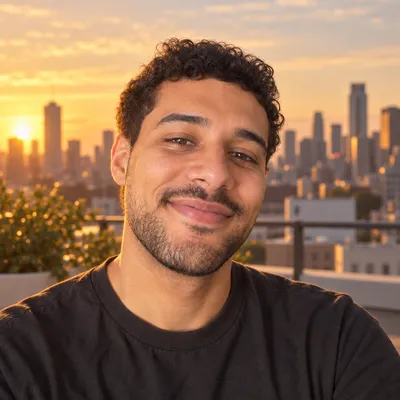
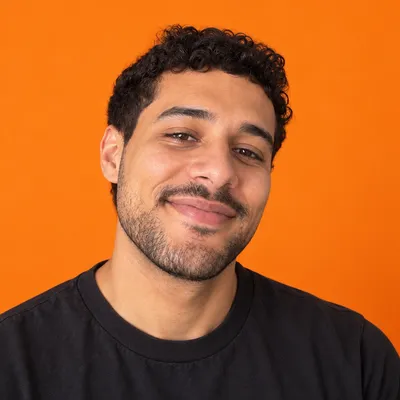
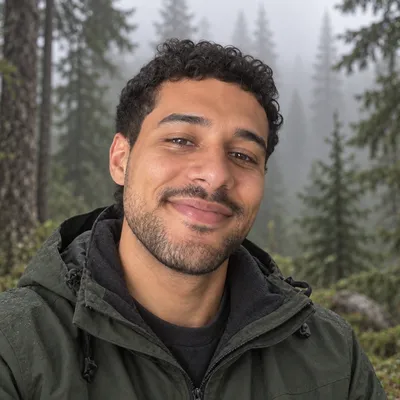
The picture of you is fine. The bedroom wall behind you is the problem. Just say what you want behind you instead: a city rooftop, your brand color, or a misty forest. Your face stays the same.
Made with Snappa
One prompt each
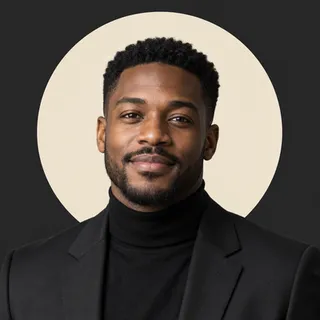
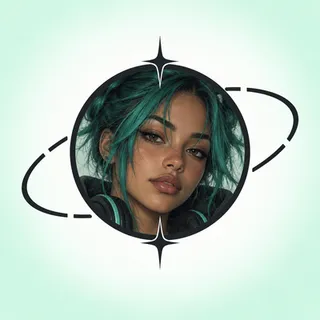
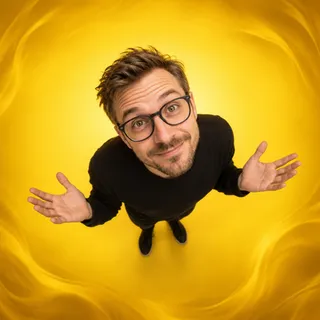
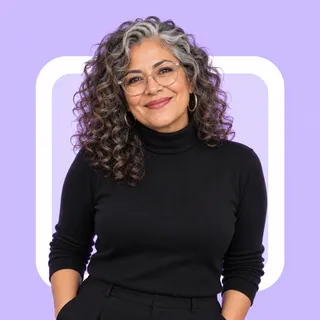

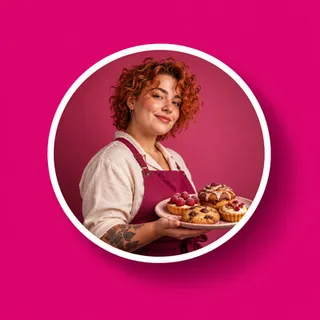
“Snappa is the best tool I've used to create profile pictures. In a few minutes I can do what used to take me hours to do or pay designers to do.”
Sujan Patel
Co-founder of Webprofits
“Snappa makes it a breeze to create and update graphics for my clients. It's focused, it's fast, and it's sped up my workflow tremendously.”
Peter Bonk
Co-founder of Siesta Media
The craft
What makes a profile picture work
Design for the comment thread
Your face shows up smallest right next to the things you say. Fill the frame and crop at the shoulders.
Assume the crop
Most platforms cut a circle from your square. Keep everything that matters centered.
Be recognizable everywhere
One consistent avatar across platforms builds recall. Change the style, never the face.
Frequently Asked Questions
How is Snappa different from AI avatar apps?
Can Snappa make a 3D or cartoon profile picture from my photo?
What size should a profile picture be?
Can my profile picture match my banner?
Is Snappa free?
Your next profile picture is one prompt away.
The AI graphic editor that turns a sentence into a scroll-stopping graphic.