End screens that
keep viewers watching.
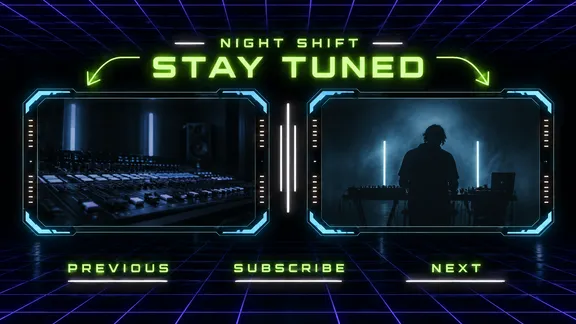
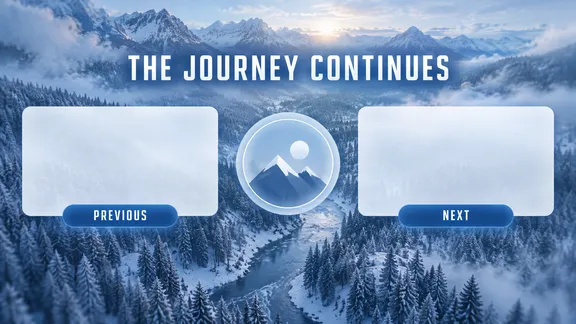
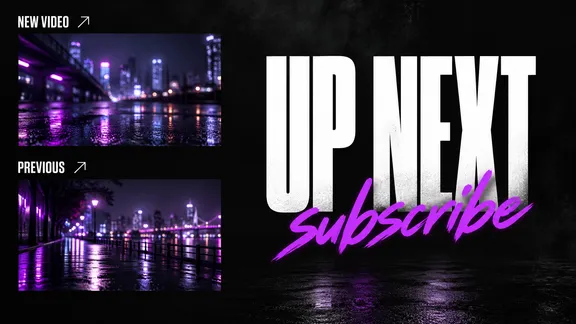
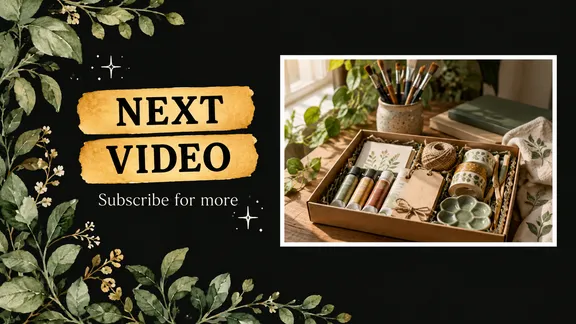
Describe your outro and Snappa generates the end screen,
ready to drop into your video.
- Free plan
- Upgrade anytime
- No design skills needed
55,000+ customers served
30,000,000+ graphics made
4.6 on G2
How it works
From outro to end screen in three steps
Describe it
Type your channel’s vibe and what the outro should say. The preset sets the right size for you.
Snappa generates it
A finished end screen with your caption, and calm space wherever you asked for it.
Refine it your way
Type what to change, or brush a spot that’s hard to describe. New scene, new caption, new layout.
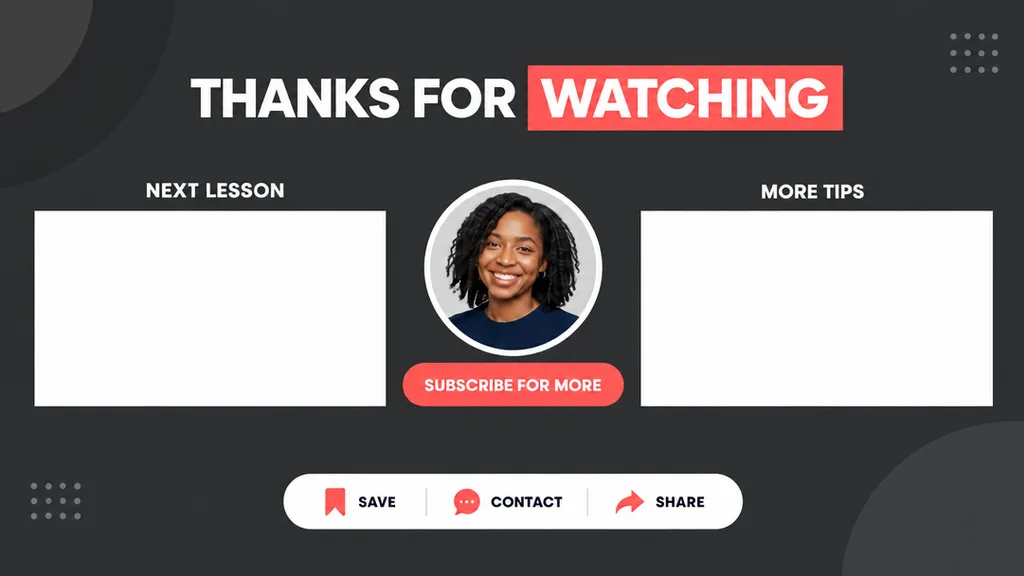
Built to spec
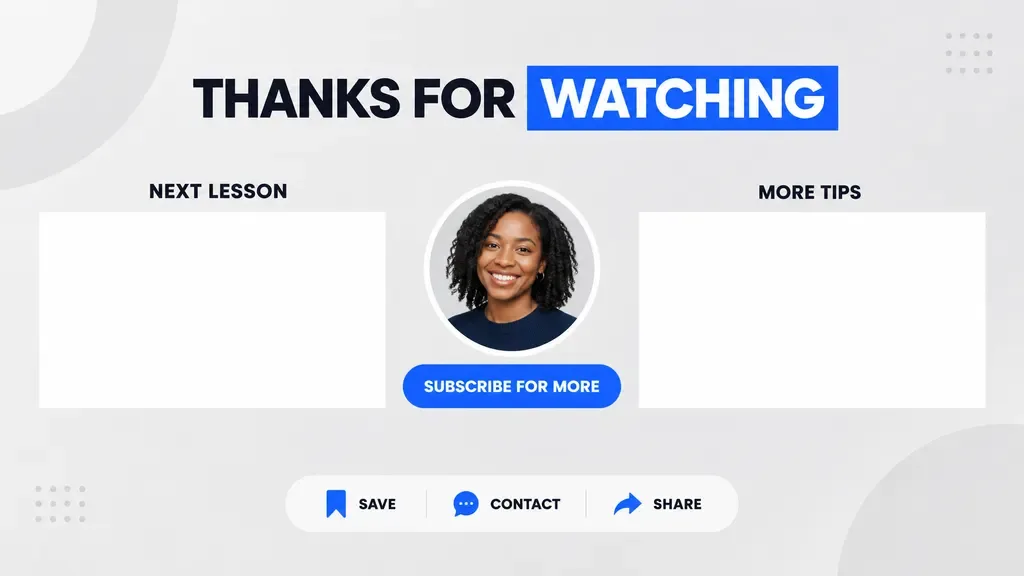
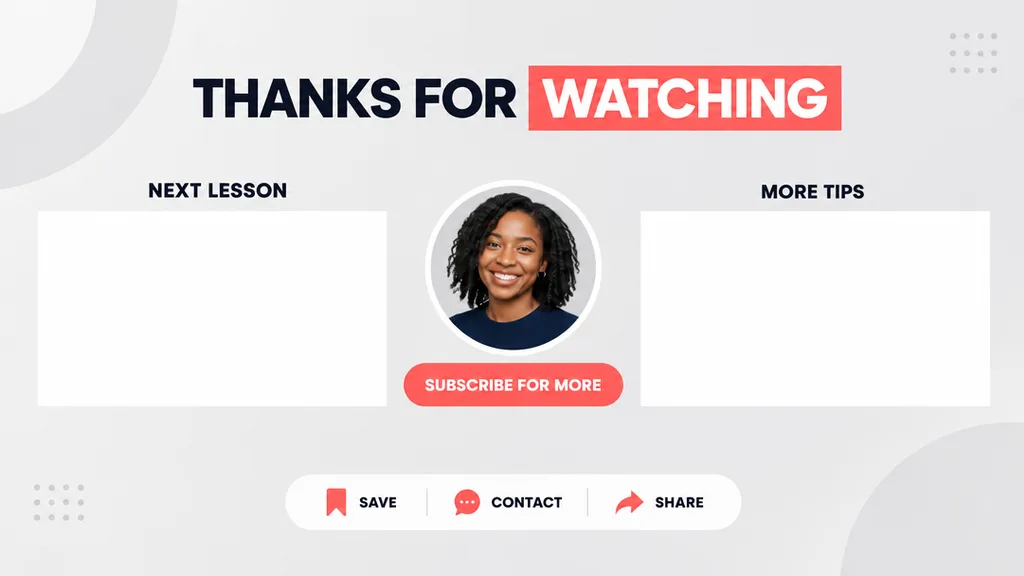
A backdrop for YouTube’s elements.
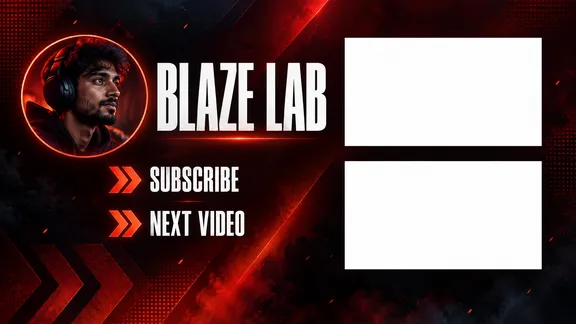
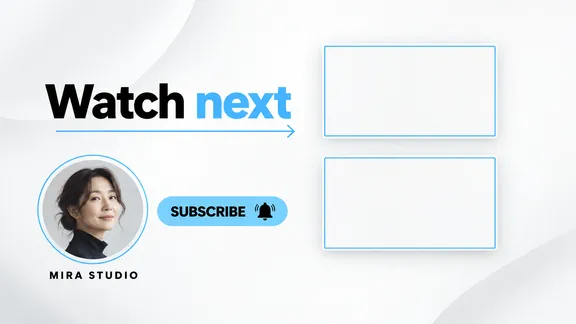
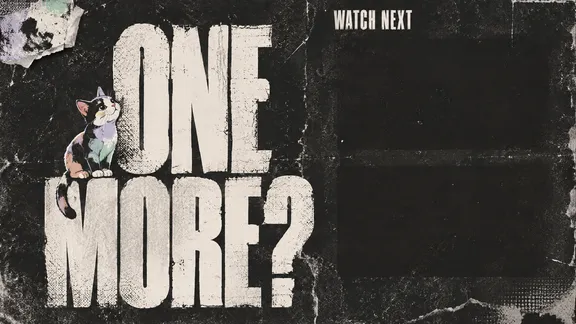
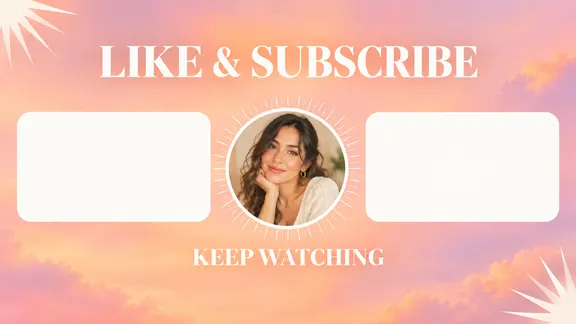
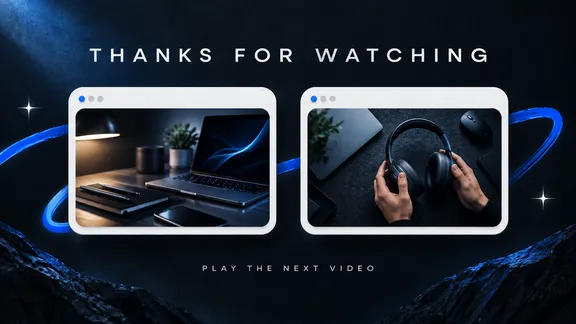
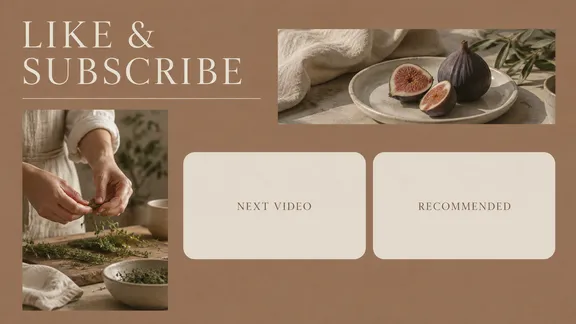
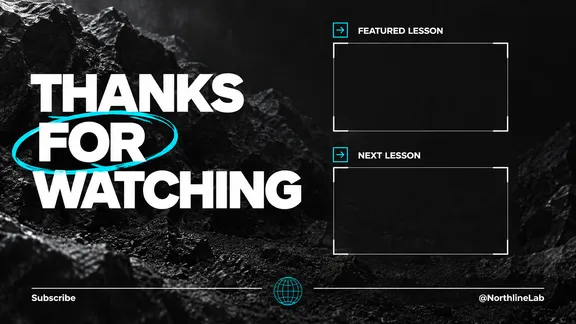
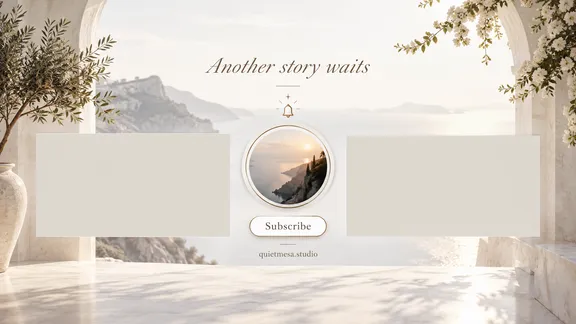
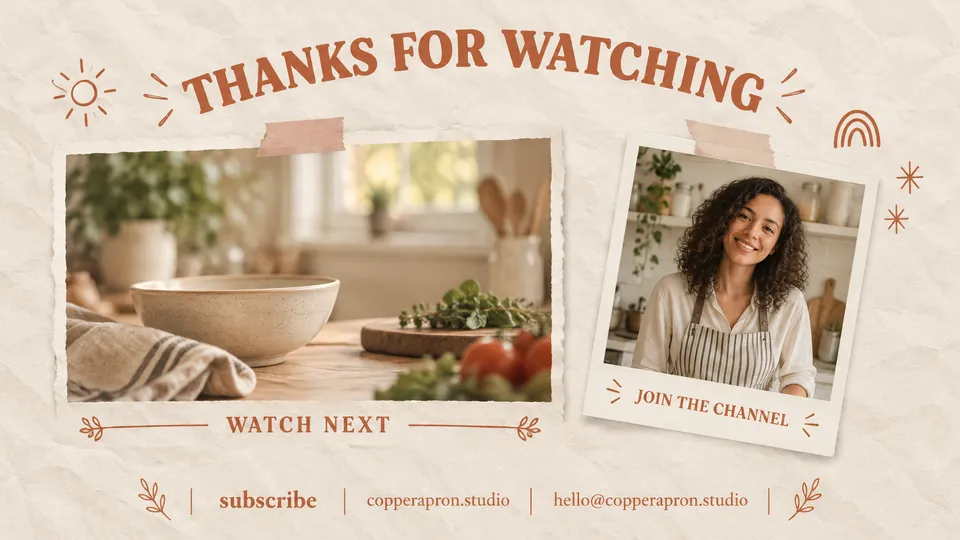
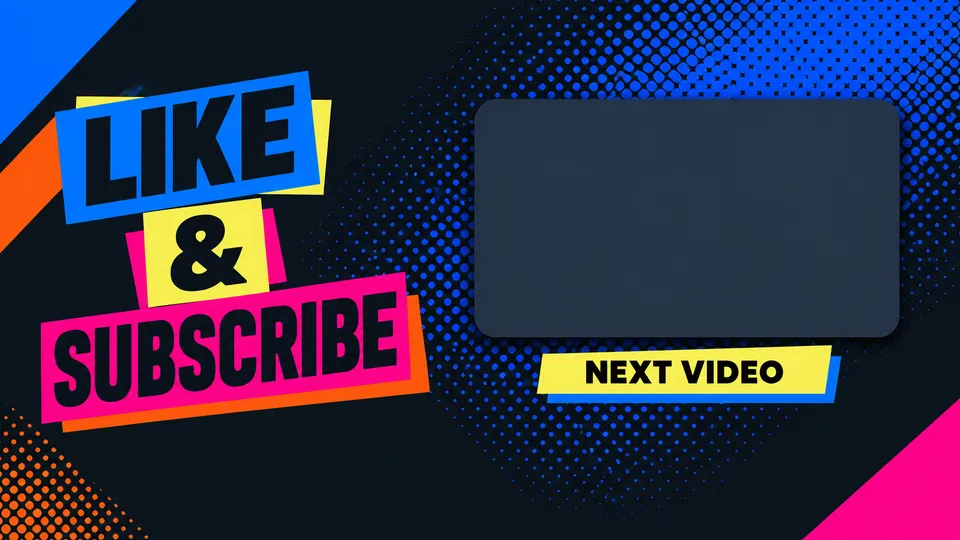
An end screen is a background for clickable overlays: video tiles, a subscribe button, a playlist. Most outros bury them in busy art. Snappa’s end screen templates leave calm space where those elements go. Starting from scratch? Ask for the space in your prompt.
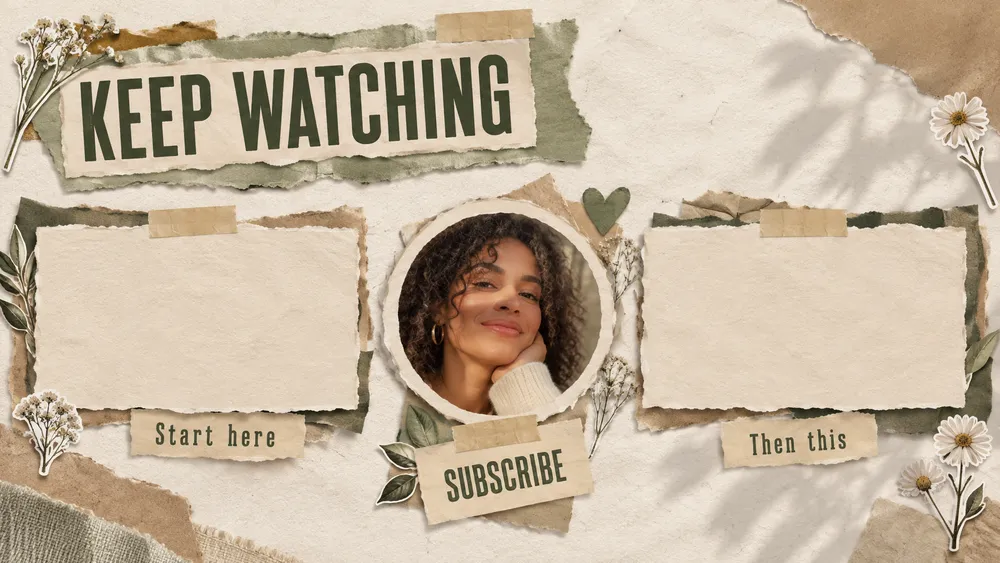
- The right size. Full HD 16:9, ready for your video.
- Room for elements. Templates leave calm space for video and subscribe.
- PNG or JPG. Whichever your video editor wants.
Trail Mix with Ana · thumbnail, banner, end screen
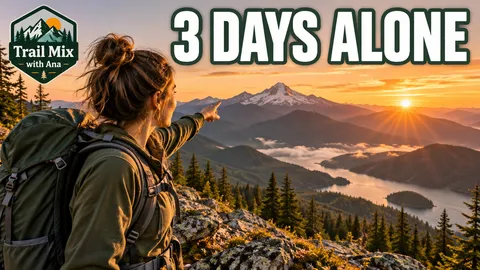
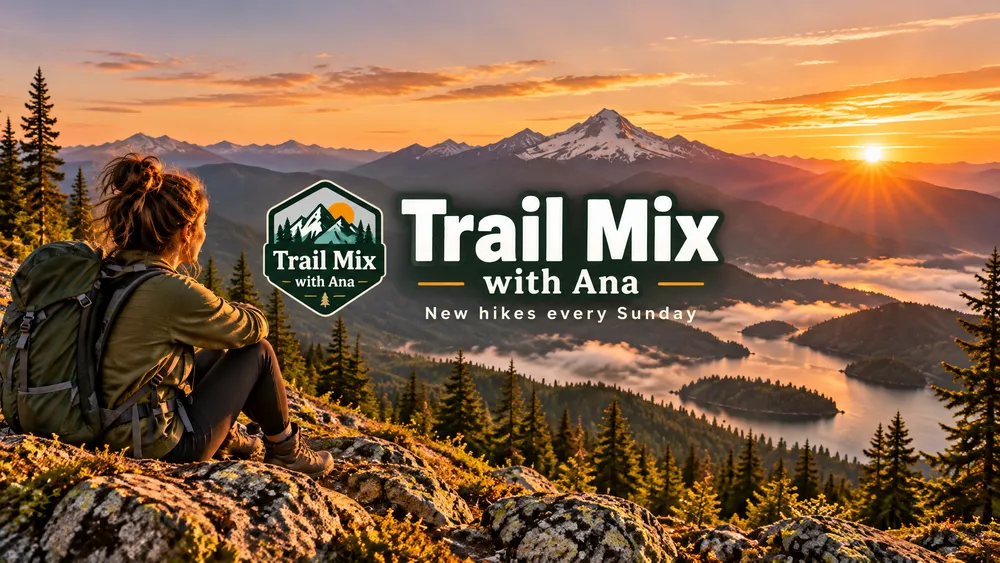
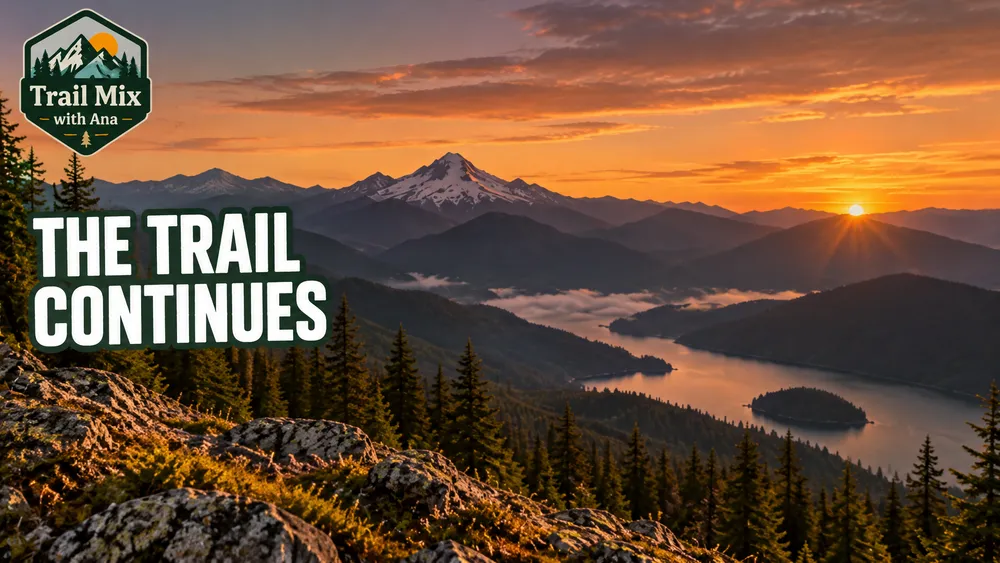
The outro looks like the intro. One channel, one system.
Brand matching
The outro matches the channel.
Your end screen is the last brand impression of every video. Use the same reference images and colors as your thumbnails and banner, and it matches the rest of your channel. One look from click to credits.
Readable type
A caption that closes the loop.
Watch next, subscribe for more, new videos Friday. The end screen caption does its work while your voiceover asks for the click. Snappa adds it as clean, readable text.
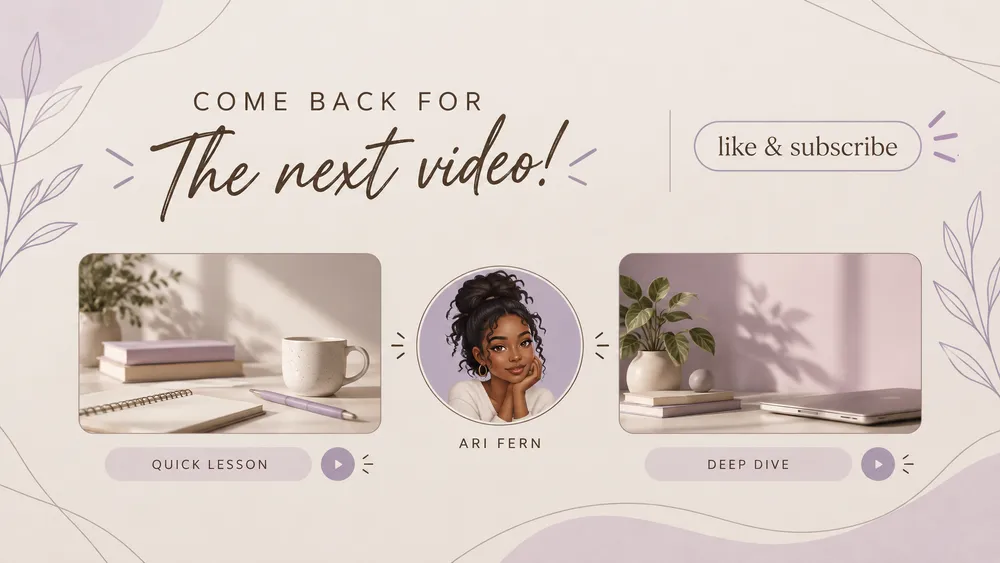
A caption that sells the click while the voiceover lands.
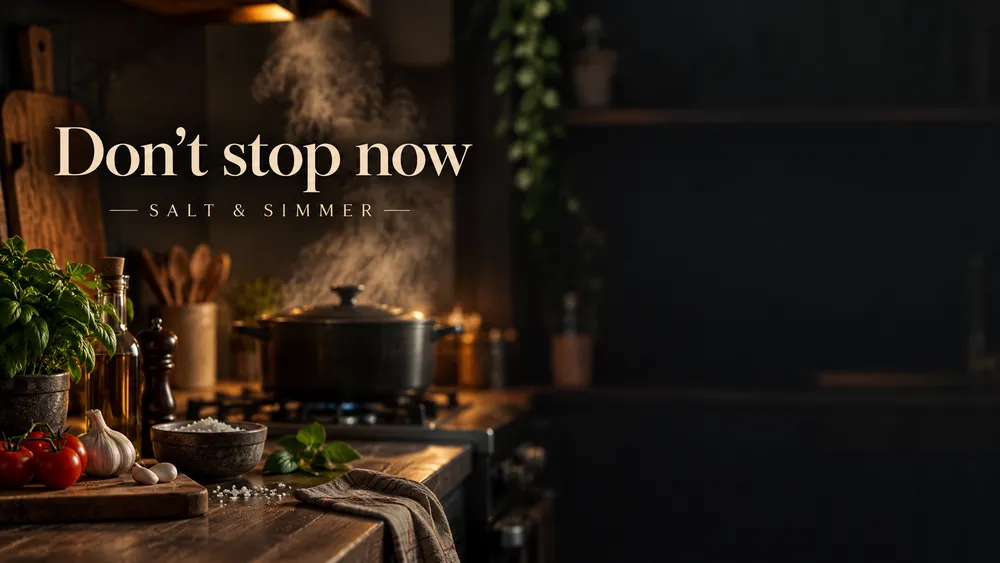
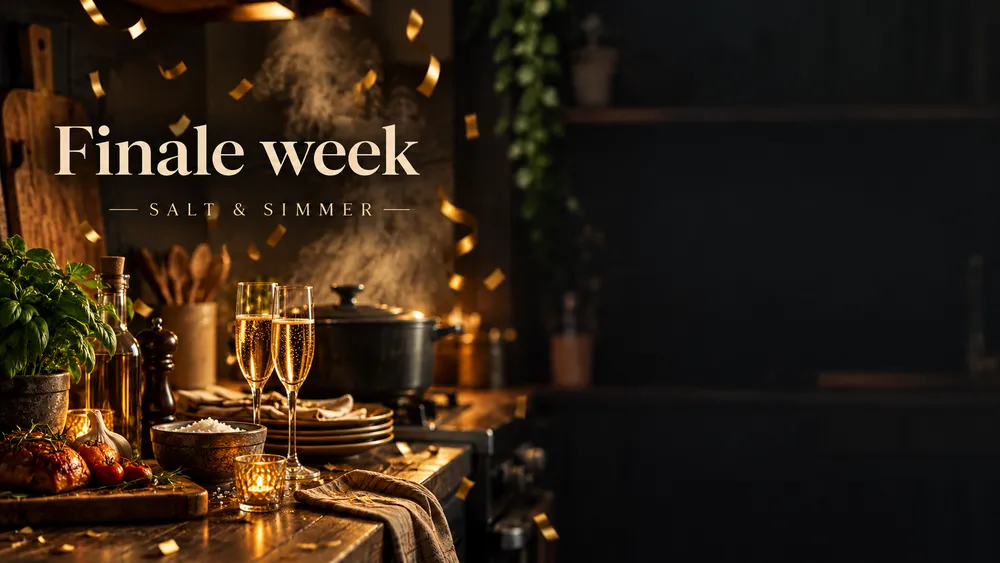
One evergreen, one special. Swap in seconds when it matters.
Evergreen + specials
One screen for always, one for now.
Most channels need a single evergreen end screen and the occasional special: the finale, the milestone, the collab. Each variant is one prompt, so the outro can keep up with the channel.
Made with Snappa
One prompt each
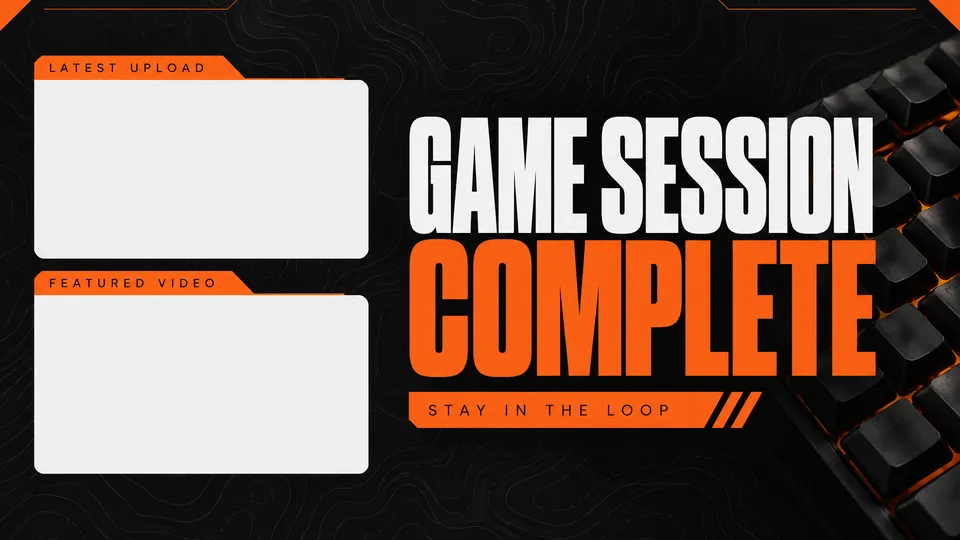
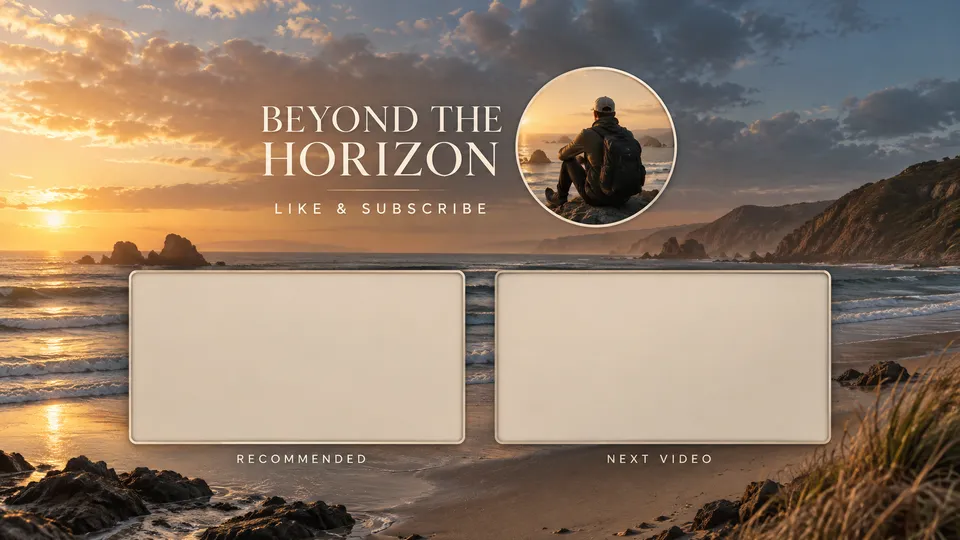
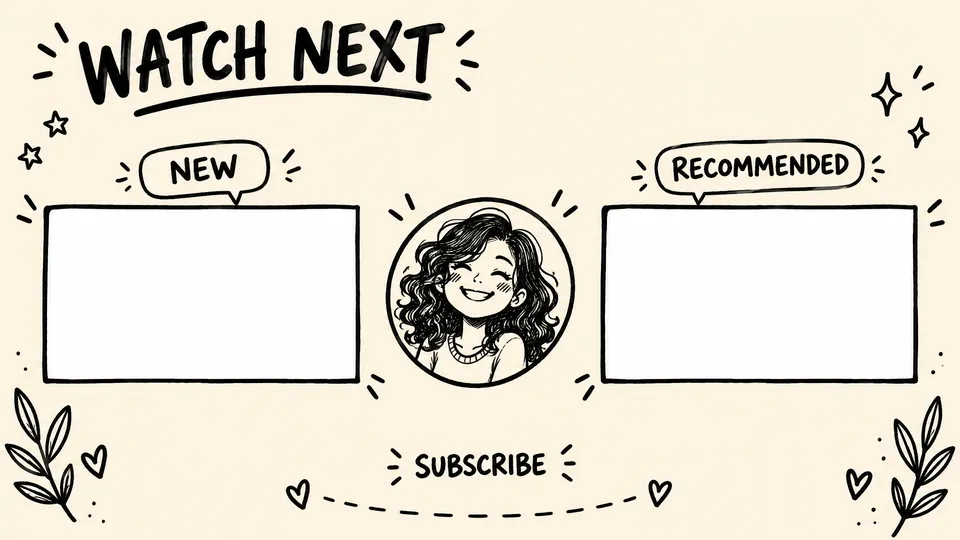
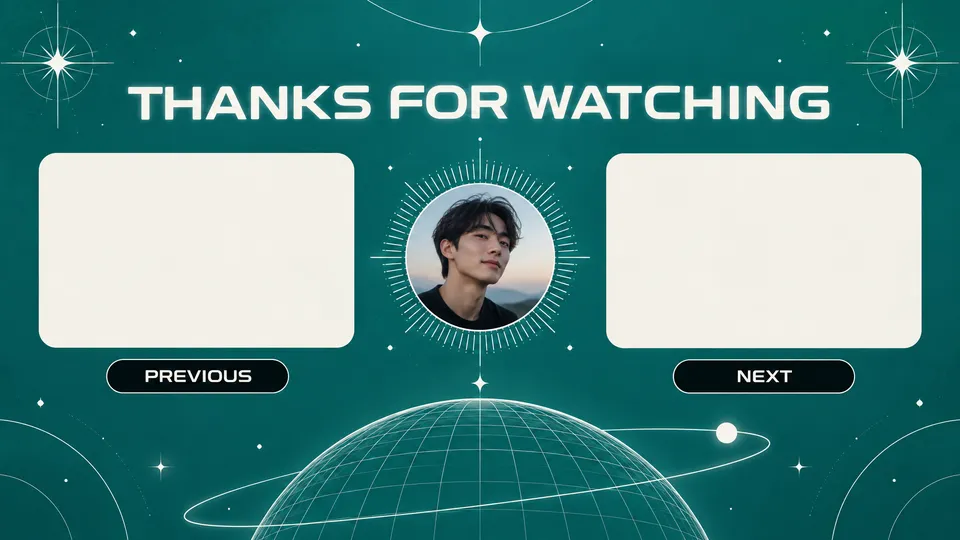
“Snappa is the best tool I've used to create YouTube end screens. In a few minutes I can do what used to take me hours to do or pay designers to do.”

Sujan Patel
Co-founder of Webprofits
“For my client's YouTube channel, Snappa makes new thumbnails super easy. Each one looks on brand, but different enough to capture the essence of the new video.”

Peter Bonk
Co-founder of Siesta Media
The craft
What makes an end screen work
Design for the outro
End screens show for up to the last 20 seconds of a video. Calm backgrounds beat busy ones under a voiceover.
Offer less, get more
One next video and a subscribe button are an easier choice than a wall of four.
Direct the eye
Arrows, gaze, and captions aimed at the video slot lift clicks on it.
Frequently Asked Questions
What size is a YouTube end screen?
What goes on an end screen?
Is an end screen the same as an outro?
How is Snappa different from AI image generators like Midjourney?
Is Snappa free?
Your next end screen is one prompt away.
The AI graphic editor that turns a sentence into a scroll-stopping graphic.