One brand. Every platform.
Zero design skills.
Describe the post and get a graphic sized right for the platform.
One click resizes it for the next.
- Free plan
- Upgrade anytime
- No design skills needed

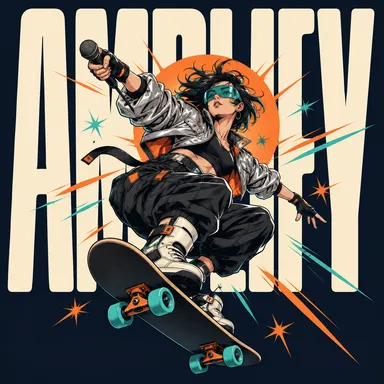
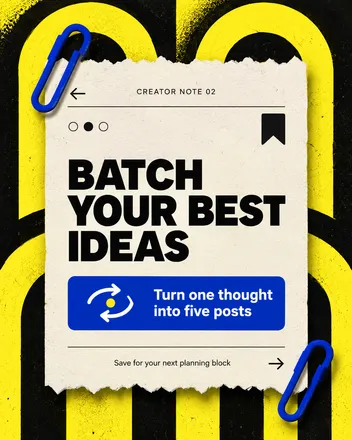
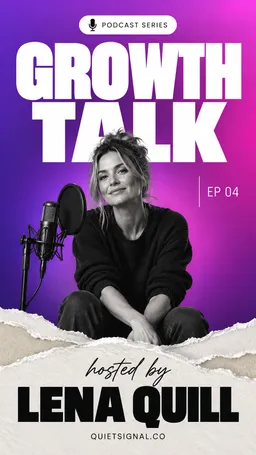
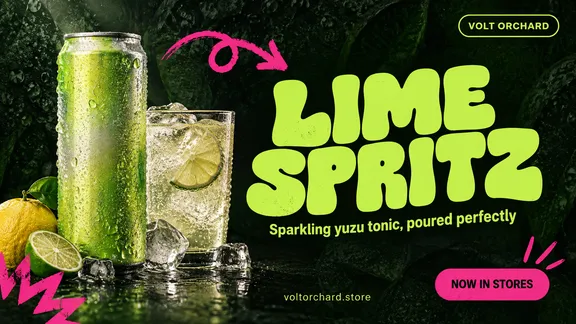
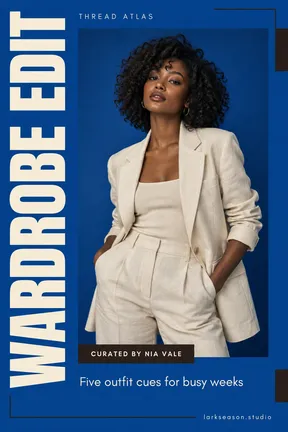
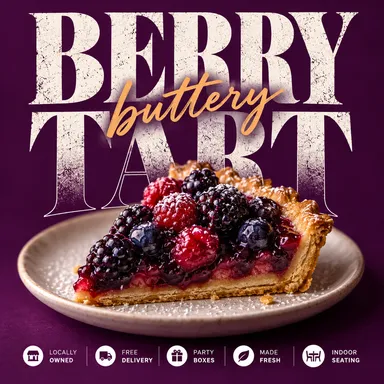
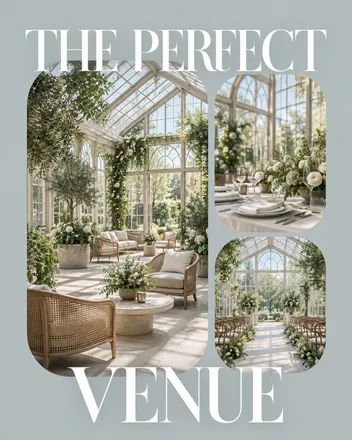
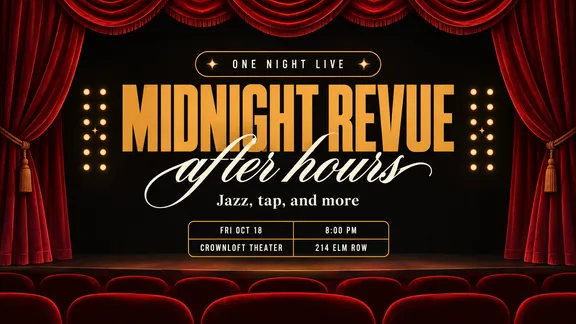
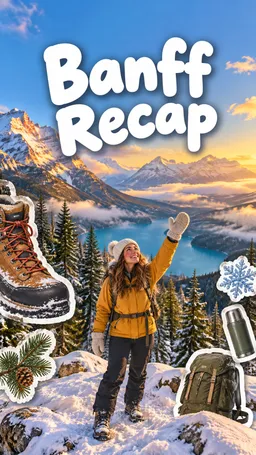
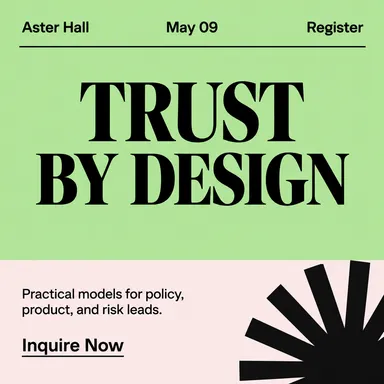
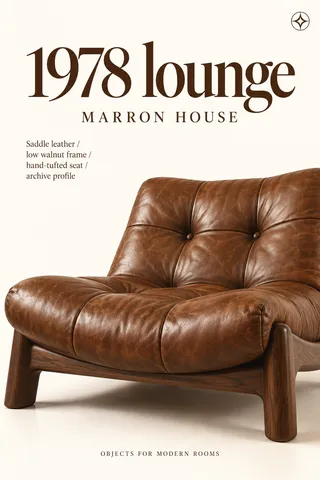
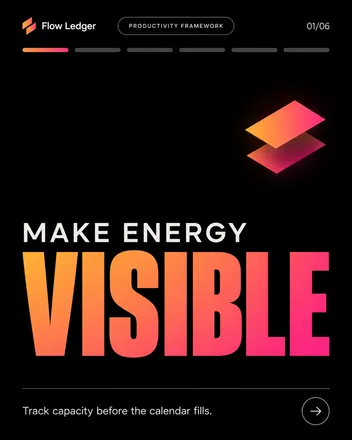
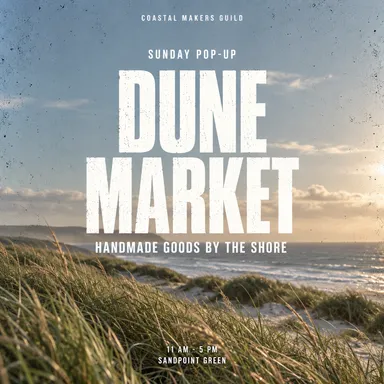
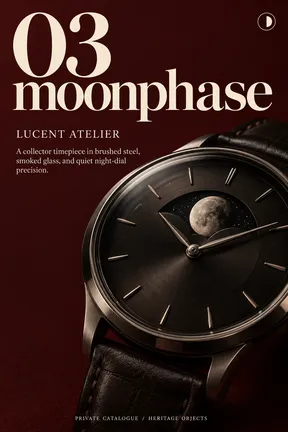
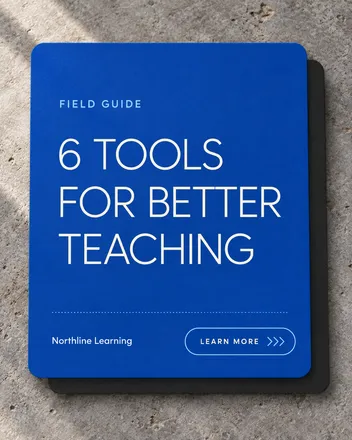
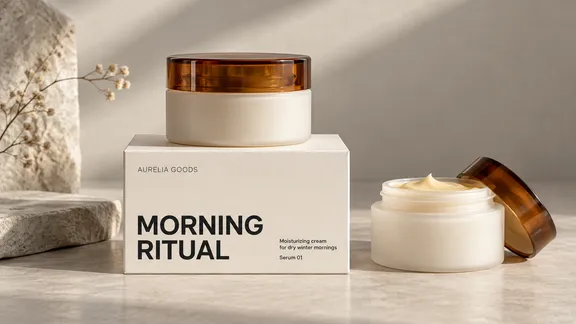

55,000+ customers served
30,000,000+ graphics made
4.6 on G2
How it works
From idea to finished graphic in three steps
Describe it
Type the message and pick the platform. The preset sets the right size automatically.
Snappa generates it
A finished graphic sized for where it’s going.
Refine it your way
Type what to change, or brush a spot that’s hard to describe. Then resize it in one click for the next platform.
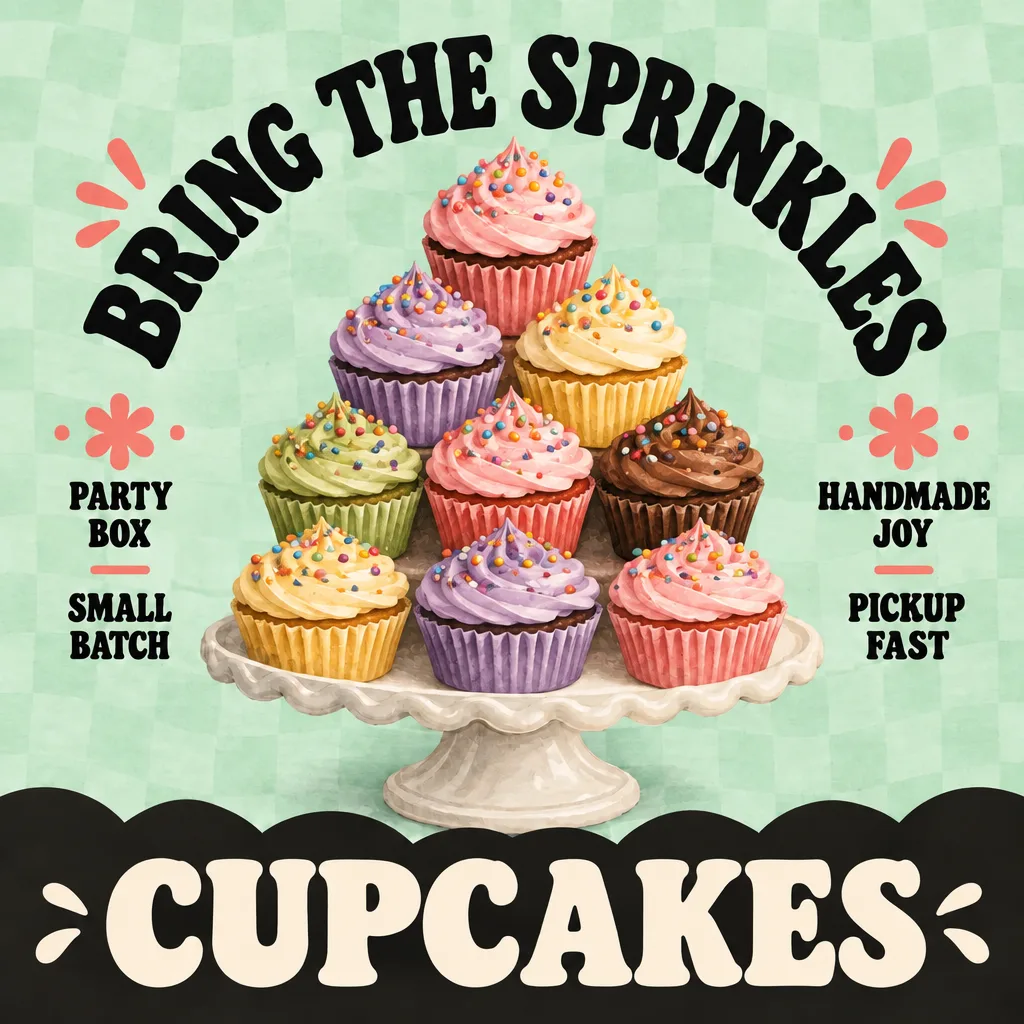
Brand references
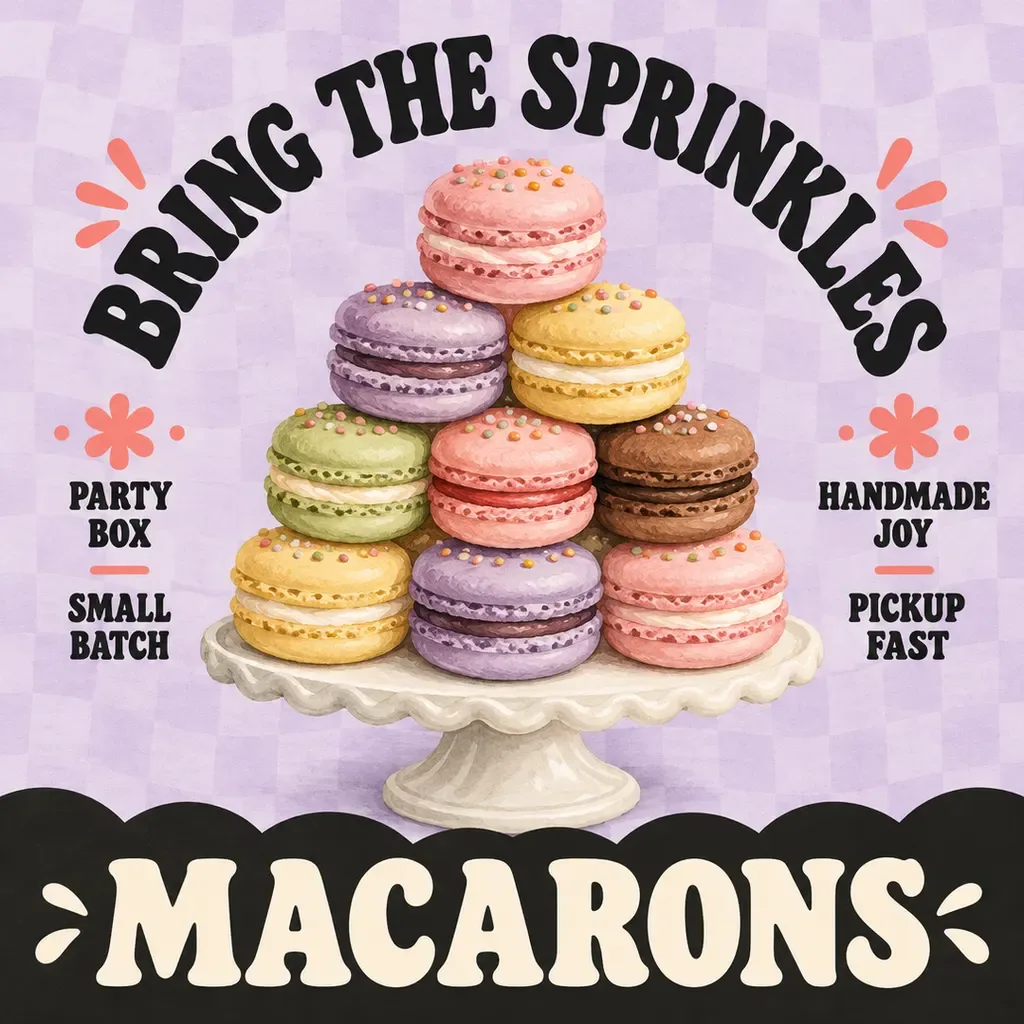
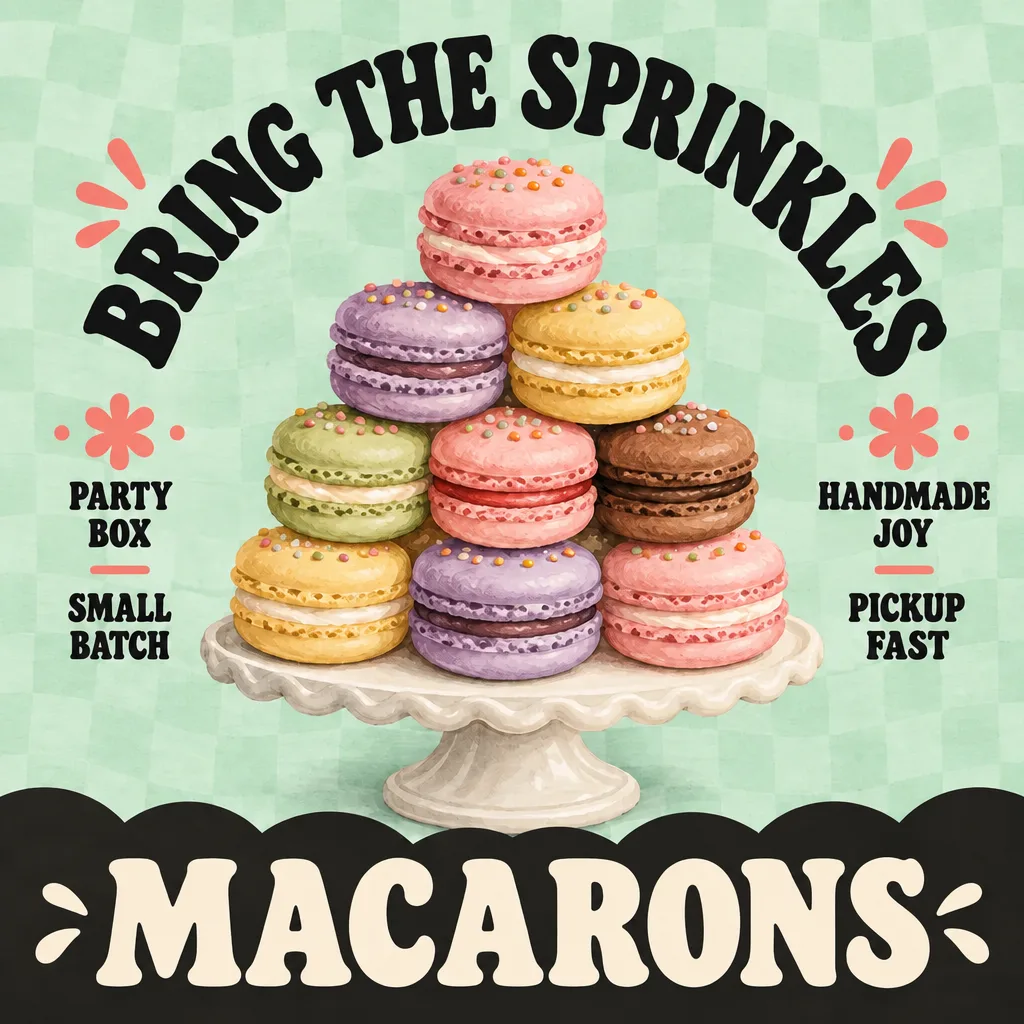
Same look, post after post.
The hard part of social media graphics isn’t making one, it’s making the fortieth still look like your brand. Start from a copy of your own design or a template you’ve made yours, describe your colors, and the fortieth still looks like your brand.
Ridge Coffee · one look
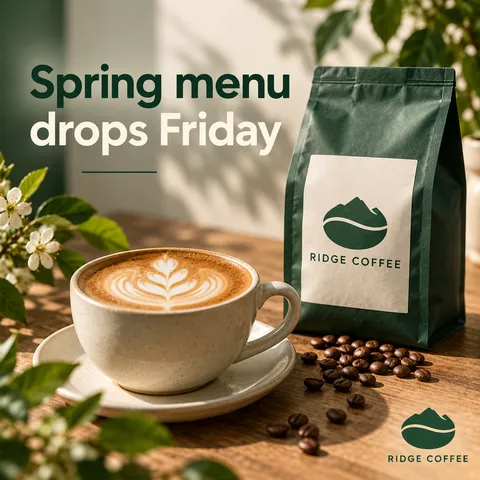
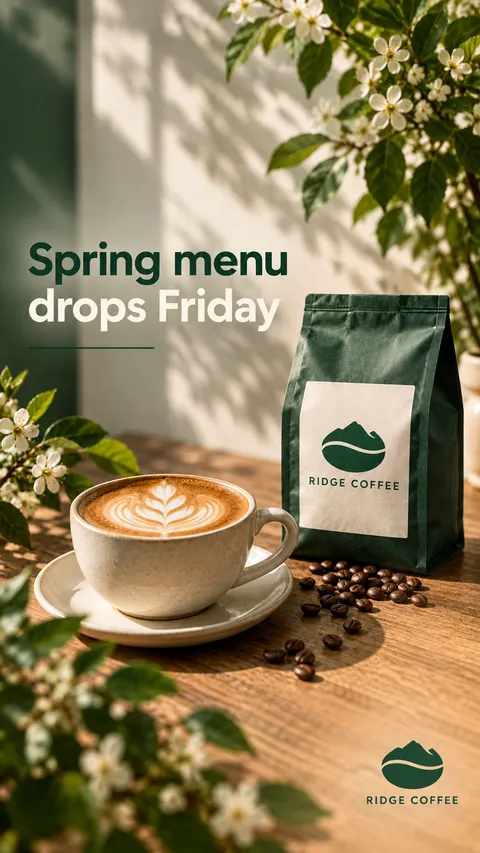
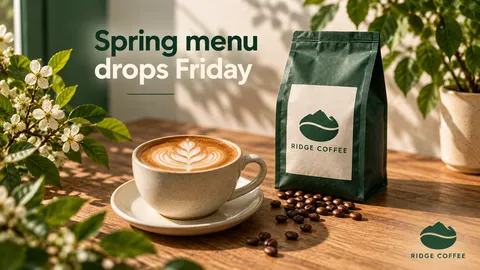
Same look in every format, post after post.
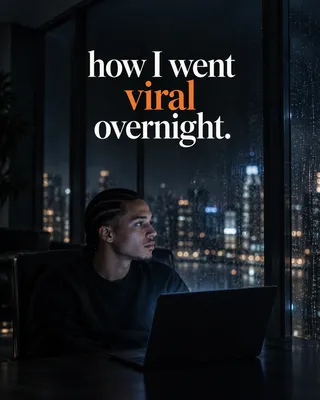
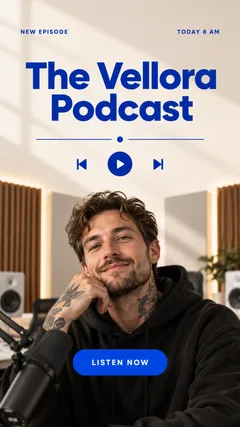
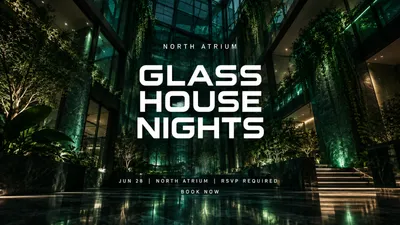
- A preset for each. Post, story, pin, header, ad.
- Right ratio by default. No dimension lookups, ever.
- Export-ready. The right size for each platform.
Built to spec
Never look up dimensions again.
Every platform wants a different rectangle and changes its mind every so often. Snappa’s presets use each platform’s current size, so you think about the message and the size takes care of itself.
Repurpose
Post it everywhere it fits.
The announcement that went out as a feed post still needs to be a story, and maybe a banner too. Resize it in one click and Snappa recomposes it for the new shape, instead of cropping the life out of one image.
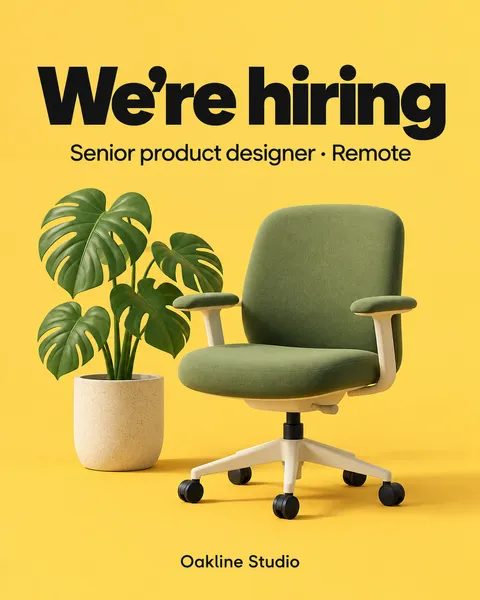
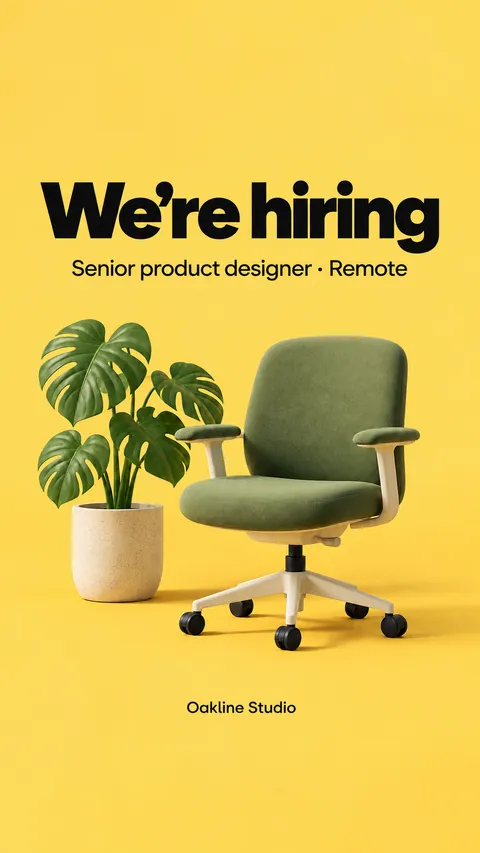
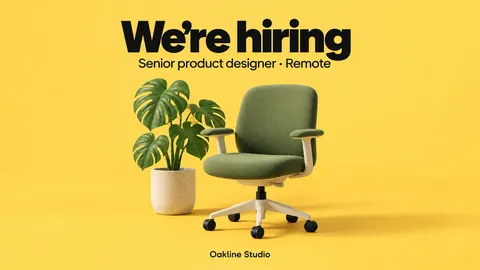
One idea, resized for every platform it needs.
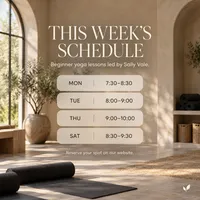
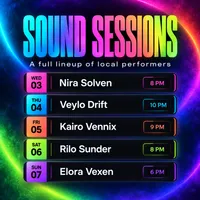
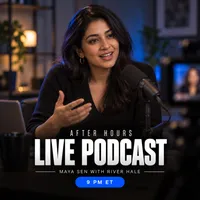

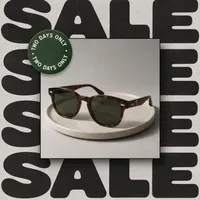

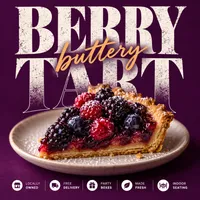
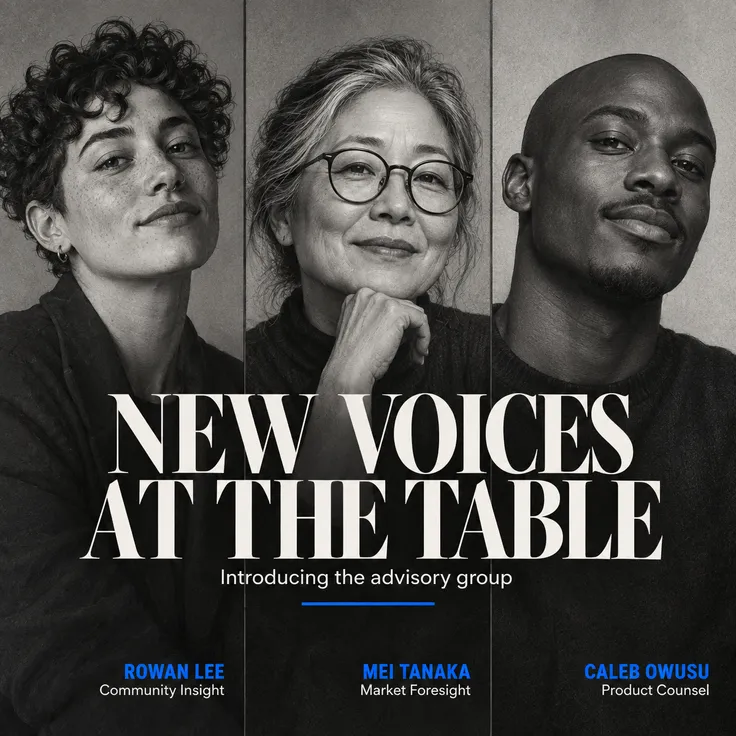
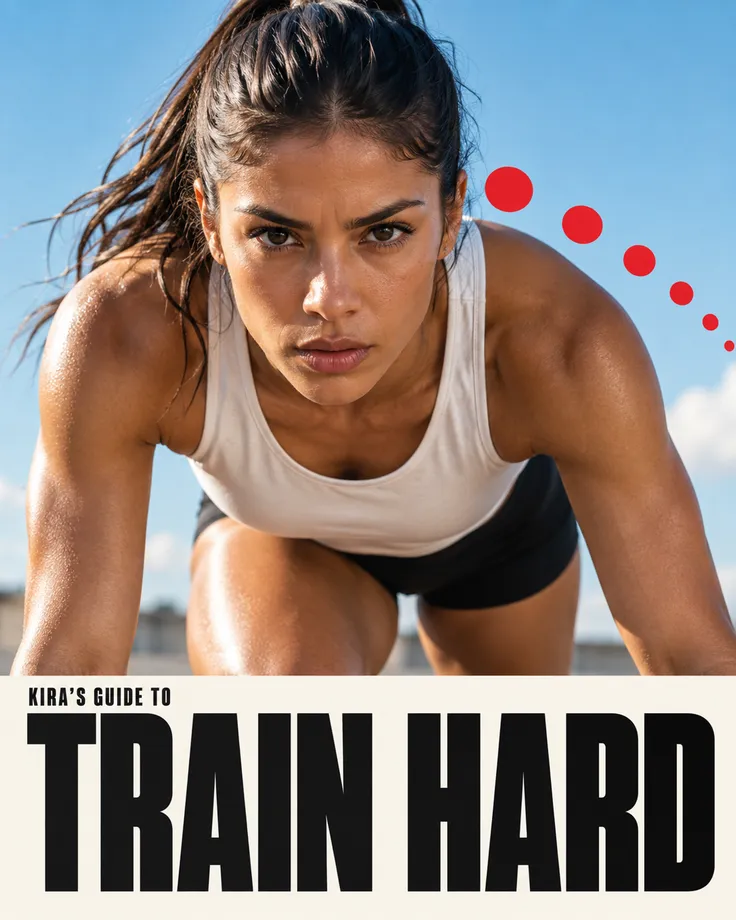
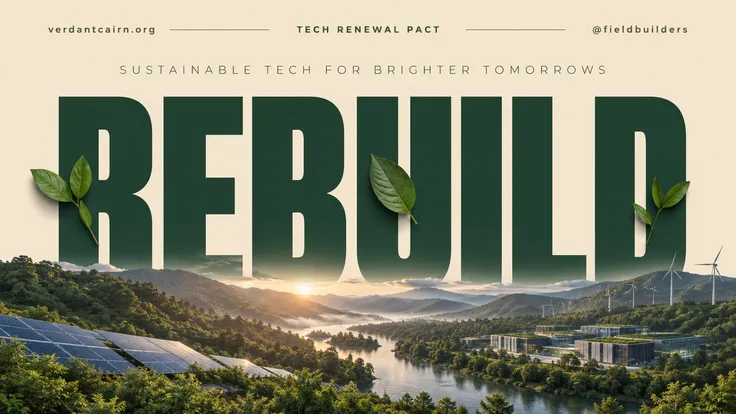
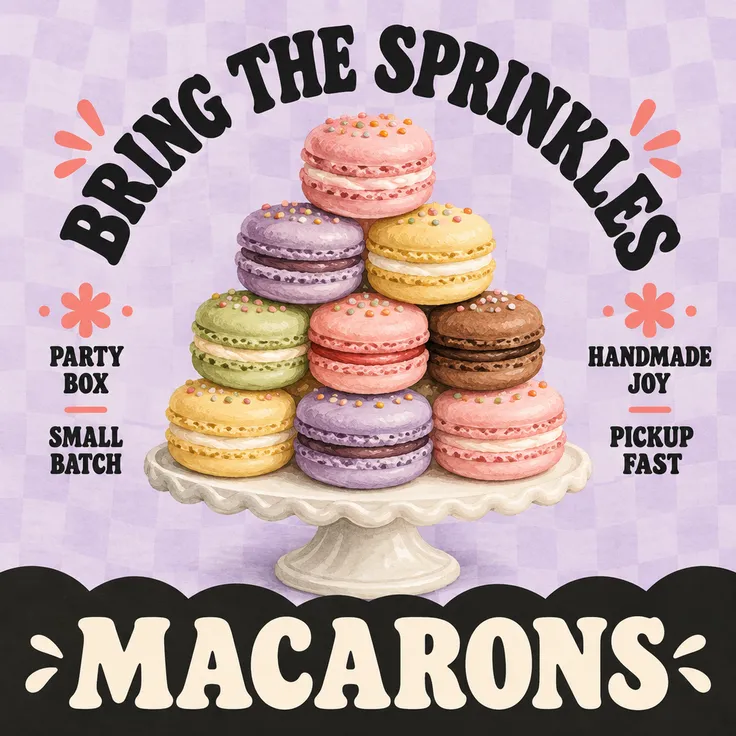
A week of content, one prompt at a time.
Speed
A week of content before lunch.
The content calendar doesn’t care that you had a busy week. When each graphic takes a sentence, making Monday through Sunday stops being a Sunday-night job and becomes a coffee break.
Made with Snappa
One prompt each
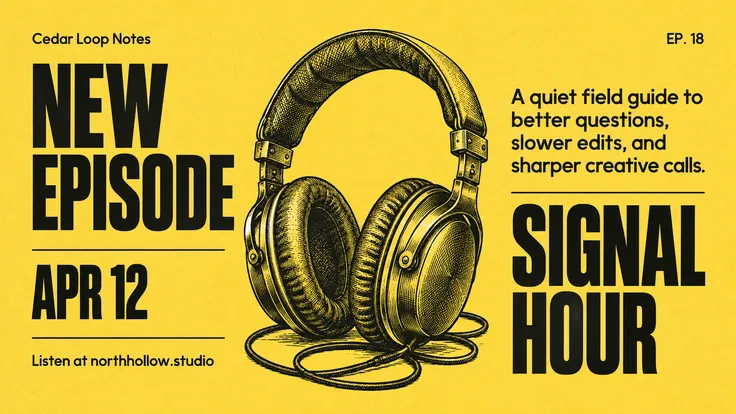
“Snappa is the best tool I've used to create social media graphics. In a few minutes I can do what used to take me hours to do or pay designers to do.”

Sujan Patel
Co-founder of Webprofits
“My restaurant clients post the same kinds of updates every week. With Snappa, I just write what's changed, whether it's a drink special, a new dish, or an event, and get a fresh graphic in seconds.”

Peter Bonk
Co-founder of Siesta Media
Every platform
Pick your canvas
The craft
What makes social graphics work
Vertical owns the feed
Portrait posts take the most screen on a phone. Design tall first and resize later.
One message per graphic
A graphic that says two things says nothing at feed speed. Save the rest for the caption.
Think in sets, not posts
A recognizable week of content beats one great post. Consistency is the strategy.
Frequently Asked Questions
What sizes do social media graphics need?
Which platforms does Snappa cover?
Can Snappa keep my graphics on brand?
How is Snappa different from AI image generators like ChatGPT or Midjourney?
Is Snappa free?
Your next graphic is one prompt away.
The AI graphic editor that turns a sentence into a scroll-stopping graphic.