Clickbait Thumbnails: Everything You Need to Know
Clickbait thumbnails are everywhere on YouTube. They grab attention, spark curiosity, and encourage viewers to click, making them one of the most effective methods for increasing views.
Successful clickbait leaves viewers wanting more without making false promises. While some clickbait thumbnails create curiosity, others can mislead viewers and damage trust.
In this article, we’ll explain what clickbait thumbnails are, why they work, and how to create them without misleading your audience.
What Is Clickbait?
Clickbait is content designed to attract attention and drive clicks.
Clickbait thumbnails capture attention immediately. They often use emotion, exaggeration, and mystery to make viewers want to learn more. Essentially, the thumbnail acts as the bait that encourages viewers to click.
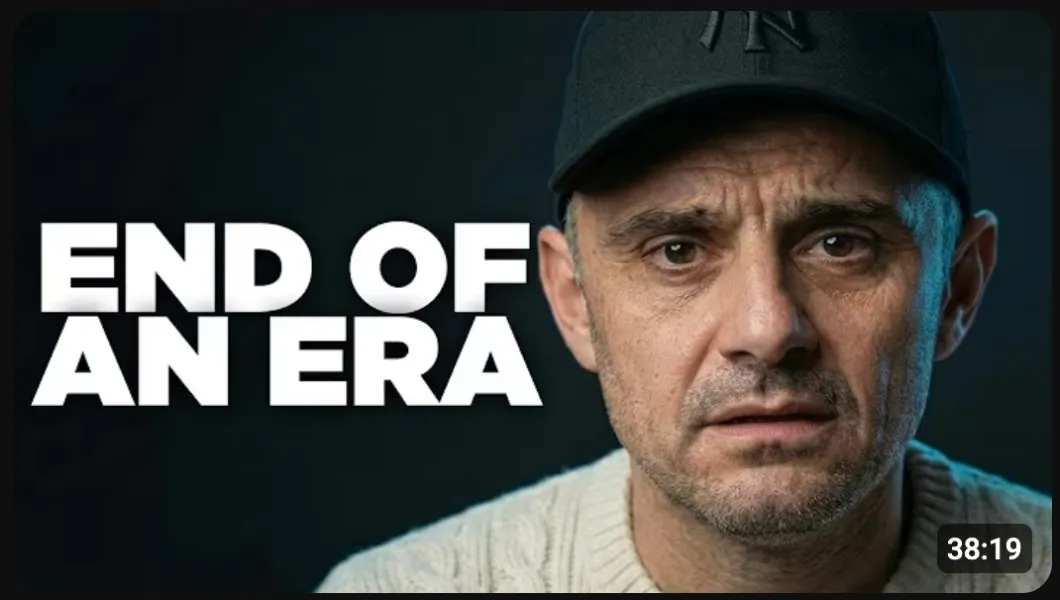
The best clickbait thumbnails accurately represent the video while leaving just enough unanswered to encourage a click. On the other hand, misleading clickbait exaggerates or promises something that the video doesn’t deliver.
Good clickbait = Curiosity
Bad clickbait = Deception
As long as your thumbnail represents the content in your video, clickbait can be an effective way to attract more viewers.
Do Clickbait Thumbnails Work?
Clickbait thumbnails can be extremely effective when used correctly. The goal is to spark enough interest so that viewers feel compelled to find out what happens next.
Big YouTube channels like Neo and Matthew Beem have gained massive followings by using clickbait as a major part of their growth strategy.
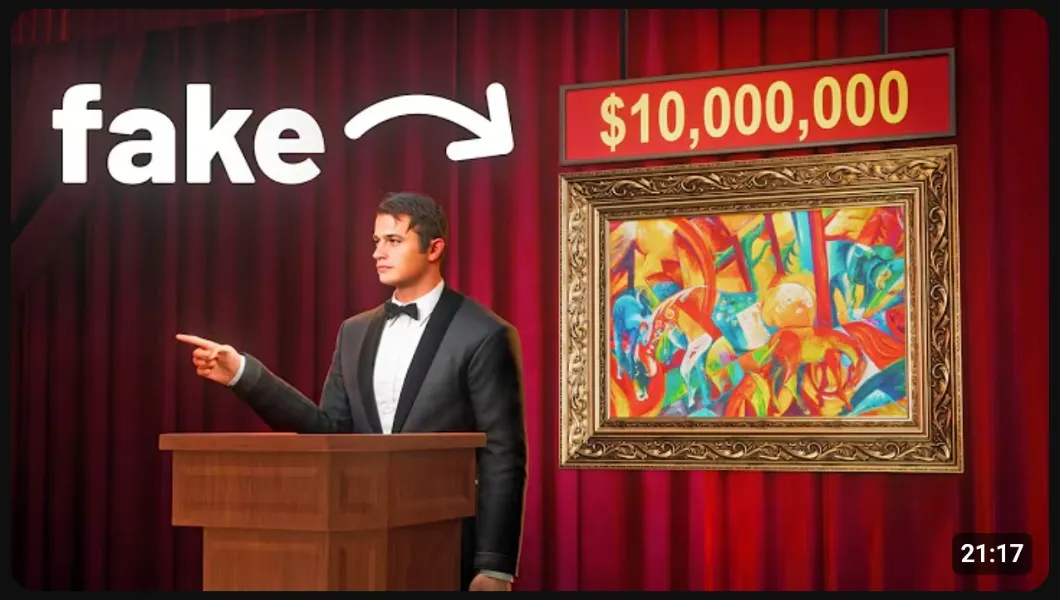
This works because people are naturally curious. When a thumbnail hints at an interesting story, a surprising result, or an unanswered question, viewers are more likely to click to satisfy that curiosity.
The key is making sure your video delivers on the expectation your thumbnail creates. When it does, clickbait becomes a powerful way to grow your channel without damaging trust.
How to Make Clickbait Thumbnails Without Misleading Viewers
Creating a great clickbait thumbnail is easier than you might think. It should draw interest and encourage viewers to click while accurately reflecting what’s in your video.
Follow these clickbait thumbnail best practices to get more views without misleading your audience:
- Create Curiosity, Not Confusion: Give viewers a reason to click without revealing everything. Hint at the most interesting part of the video, but make sure the content delivers on that promise.
- Highlight the Most Compelling Visual: Choose an image that immediately grabs attention, supports your video’s main idea, and leaves viewers wanting more.
- Keep Text Short: Use a few impactful words rather than a lengthy sentence. A short phrase is often enough to create curiosity and complement your thumbnail image.
- Avoid Misleading Images & Elements: Don’t use fake images, reactions, or objects that don’t relate to your video. Misleading viewers may earn clicks in the short term, but it can quickly damage trust.
- Use Color Strategically: Strong color combinations can make a big difference in how noticeable your thumbnails are. Check out our full guide on the best colors for YouTube thumbnails.
- Pair Your Thumbnail with a Strong Title: Your thumbnail and title should work together to create intrigue. Instead of repeating the same message, let each one reveal a different piece of information about the video.
Remember, the goal isn’t to trick viewers. The best clickbait thumbnails create interest, represent your video accurately, and give people a compelling reason to click.
Follow these best practices consistently, and you’ll develop a thumbnail style that attracts more views while staying true to your content.
Best Clickbait Thumbnail Examples
Now that you know how to make strong clickbait thumbnails, let’s look at a few examples from top YouTube creators.
Each of these thumbnails uses the best practices we’ve covered to capture attention, spark curiosity, and encourage viewers to click without giving away the entire story.
Colin and Samir
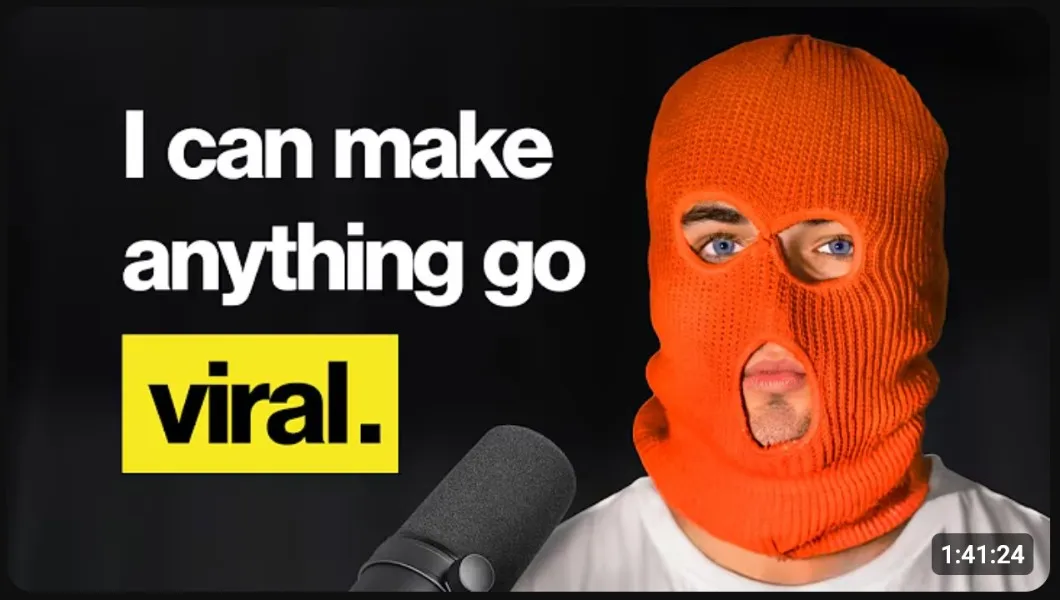
Why it works: The bold yellow “viral” text immediately grabs attention, while the unknown creator in the orange ski mask makes viewers curious enough to click and learn more.
Nick DiGiovanni
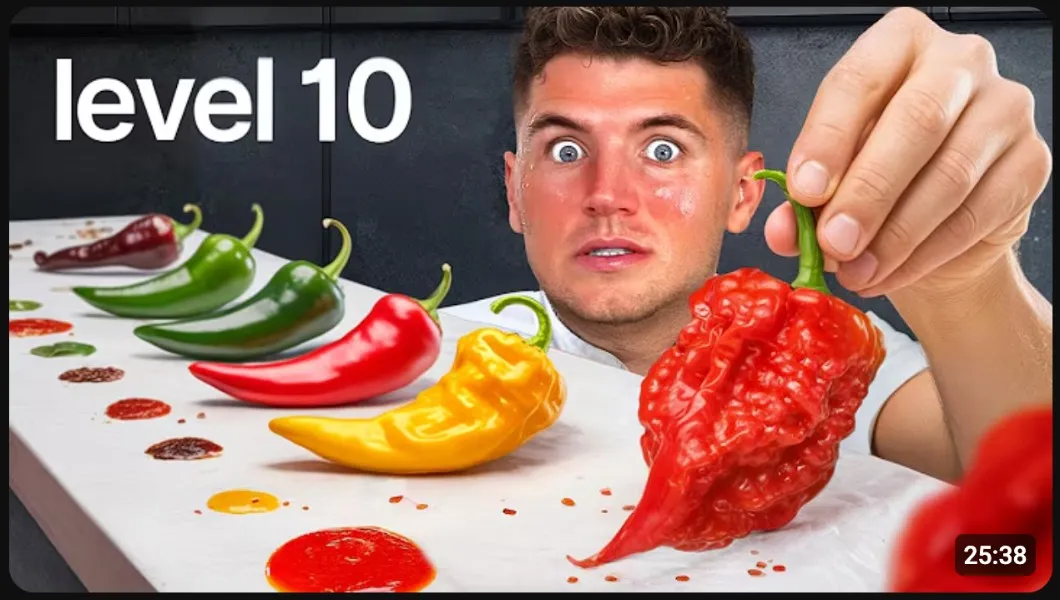
Why it works: The “level 10” text, giant chili peppers, and wide-eyed expression suggests an extreme challenge, making viewers wonder if Nick DiGiovanni can handle the spice.
David Dobrik
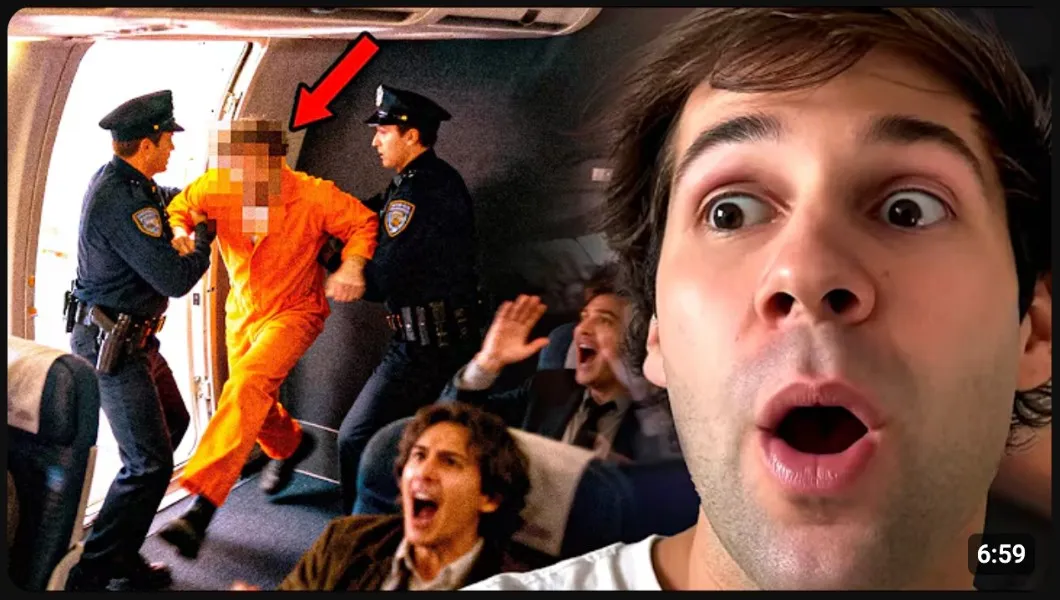
Why it works: The man being detained in the background creates mystery, while David Dobrik’s facial expression shows that something shocking has happened. Viewers naturally want to find out what led to this moment.
Fern
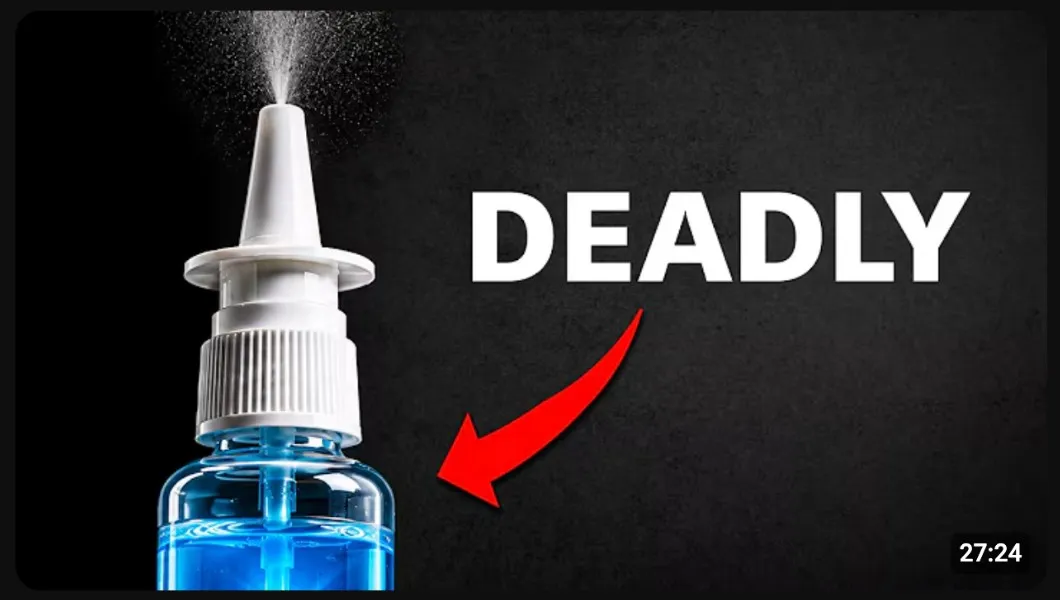
Why it works: Instead of revealing the whole story, the thumbnail suggests that an everyday nasal spray could be deadly, encouraging viewers to click to find out why.
Zach King

Why it works: Zach King’s worried facial expression immediately creates a sense of urgency, while the single word “STRANDED” leaves viewers wondering where he is and how he got there.
Yes Theory

Why it works: The warning text “Don’t Come Here” immediately makes viewers question why this place should be avoided. Combined with the unfamiliar location, it creates a strong reason to click to find out what’s happening.
Wrapping Up
Clickbait thumbnails are a powerful way to increase views, and the best examples attract attention without being misleading.
Here are the key takeaways to remember when making clickbait thumbnails:
- Create curiosity without revealing everything.
- Use compelling images that reflect the content in your video.
- Keep text short and easy to read.
- Pair your thumbnail with a strong title.
When used correctly, clickbait thumbnails can help you grow your YouTube audience and build long-term trust. Keep these best practices in mind, and you’ll become a pro at making thumbnails that people want to click.
